To access Betano with a VPN:
- Download Swiss VPN free from the App Store — no account needed.
- Open the app and search for Betano in the service selector.
- Tap connect — Swiss VPN picks the fastest optimized server.
- Open Betano and start browsing.
What is Betano?
Betano is a popular sports betting and online gaming platform operated by Kaizen Gaming, available in select European and Latin American countries. When traveling outside your registered country, Betano may restrict access to your account. Swiss VPN lets you maintain secure access.
Why use Swiss VPN for Betano?
When traveling outside your registered Betano country, access may be restricted. Swiss VPN routes your connection through your home country server for continued secure access.
Access while traveling
Connect to your home country server to maintain Betano account access.
Secure connection
VPN encrypts your connection, protecting account credentials and financial data.
Safe on public Wi-Fi
Access Betano securely even on hotel and airport Wi-Fi.
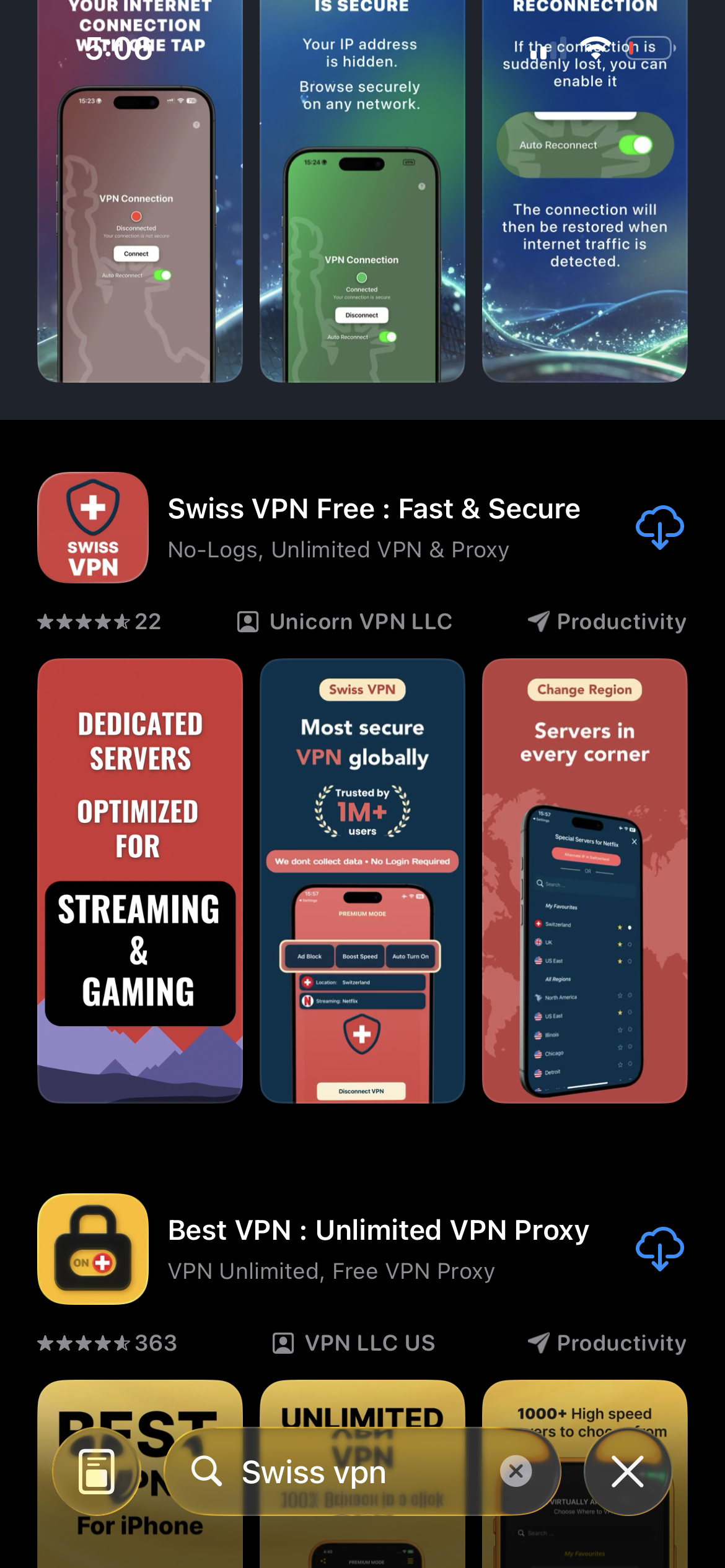
Download Swiss VPN
Search for "Swiss VPN" on the App Store and tap download. The app is completely free — no registration, no credit card, no personal information required.
- Available on iOS, iPadOS & macOS
- No registration required
- 100% free to download
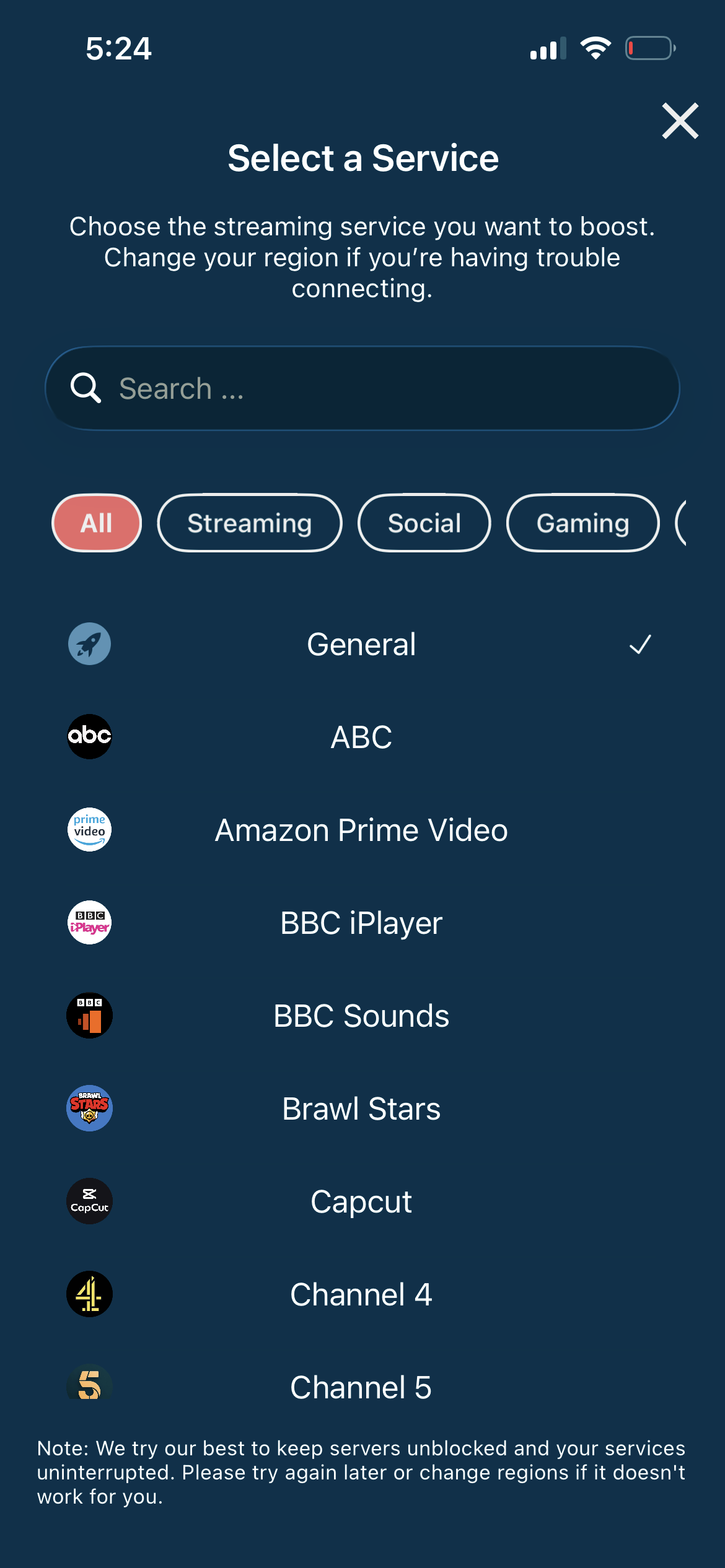
Connect to your home server
Connect to a server in your Betano-registered country to maintain access while traveling.
- Select home country server
- One-tap connection
- Secure access
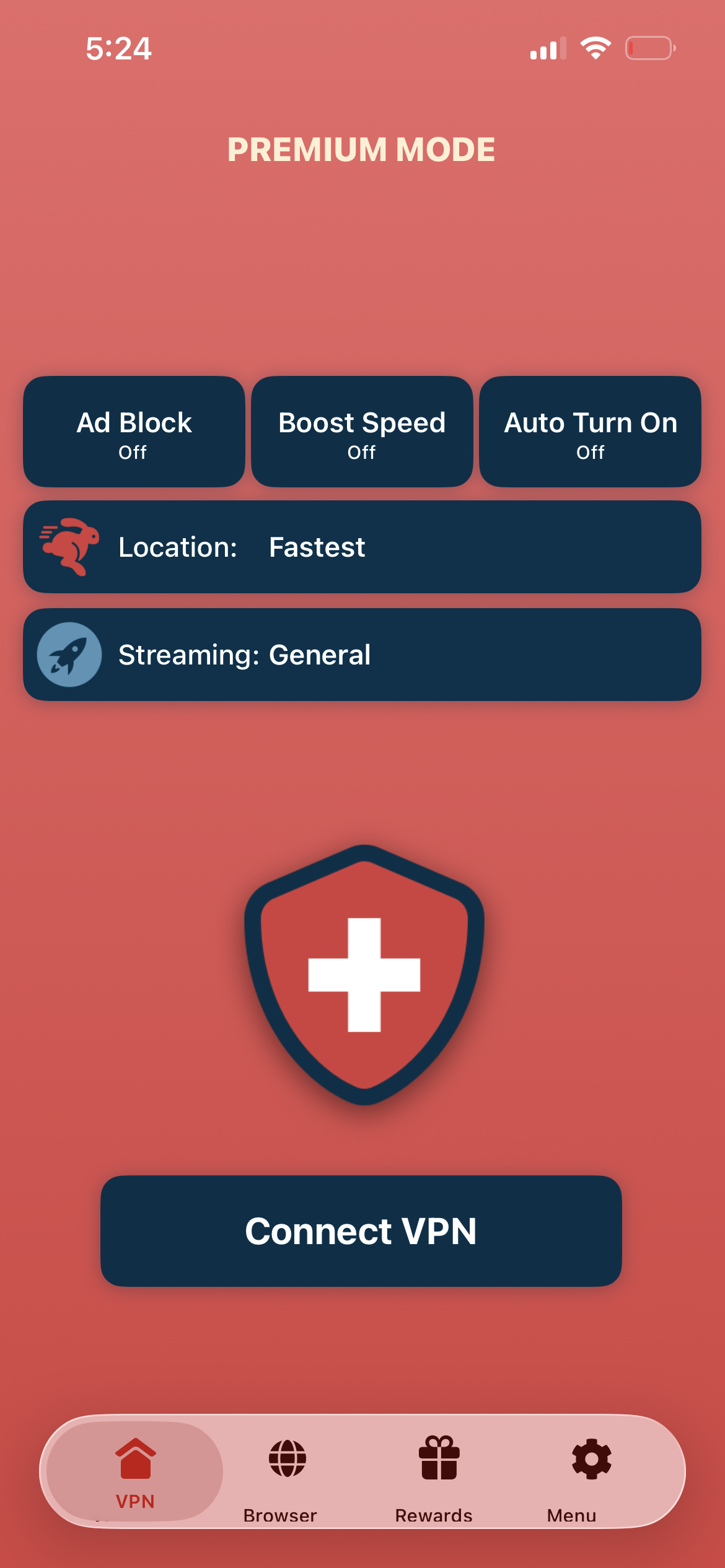
Tap connect, open Betano
Tap "Connect VPN" and open the Betano app or website — your account is accessible with encrypted protection.
- Instant account access
- Encrypted connection
- Secure on any network
If Betano shows a location error
Ensure you are connected to a server in your Betano-registered country. Clear browser cookies and reopen the app.
Good to know
- VPN access depends on the platform's current policies and may change over time.
- Some features may require an account or paid subscription to the service.
- For the best speed, connect to the nearest available server.
Frequently Asked Questions
Can I use Betano while traveling?
Betano may restrict access outside your registered country. Swiss VPN connects you through your home country server for continued access.
Is my financial data safe?
Yes. Swiss VPN encrypts all your traffic, adding security to financial transactions.
Which server should I use?
Connect to a server in the country where your Betano account is registered.
Is online betting legal?
Online betting legality varies by country. Always comply with local laws and Betano's terms of service.
Ready to access Betano securely?
Download Swiss VPN and maintain secure Betano access while traveling — with encrypted protection.