To access Google Gemini with a VPN:
- Download Swiss VPN free from the App Store — no account needed.
- Open the app and search for Google Gemini in the service selector.
- Tap connect — Swiss VPN picks the fastest optimized server.
- Open Google Gemini and start browsing.
What is Google Gemini?
Google Gemini (formerly Bard) is Google's AI assistant and chatbot. It offers conversational AI, image generation, code help, research, and deep Google integration. Some Gemini features may not be available in all regions, and certain countries restrict access to AI tools.
Why use Swiss VPN for Gemini?
Some Gemini features are region-locked, and certain countries restrict AI tools. Swiss VPN lets you connect to the US or other supported regions for full Gemini access.
Access all features
Connect to a US server to unlock all Gemini capabilities including new features.
Private AI conversations
Swiss VPN encrypts your connection for private Gemini interactions.
Fast response times
Optimized servers for quick AI responses.
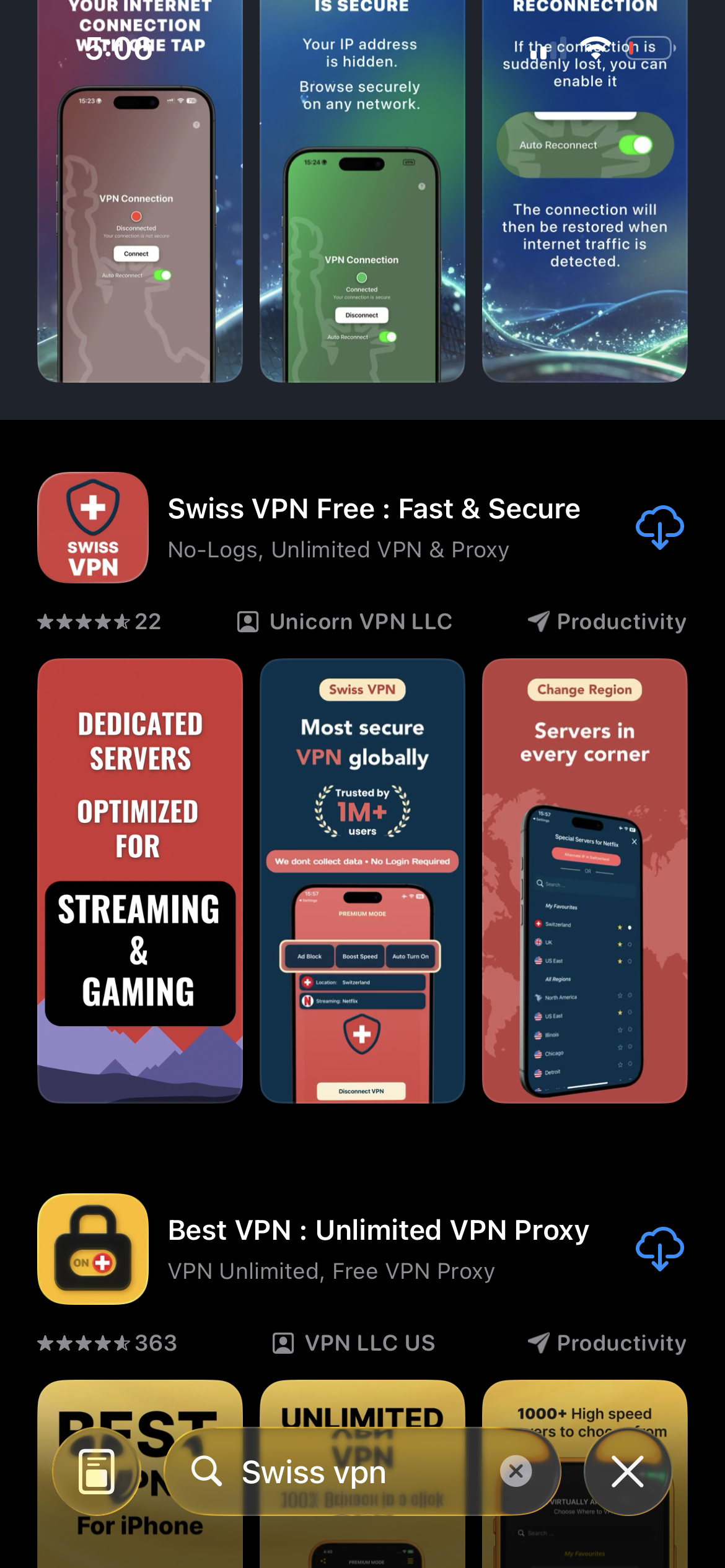
Download Swiss VPN
Search for "Swiss VPN" on the App Store and tap download. The app is completely free — no registration, no credit card, no personal information required.
- Available on iOS, iPadOS & macOS
- No registration required
- 100% free to download
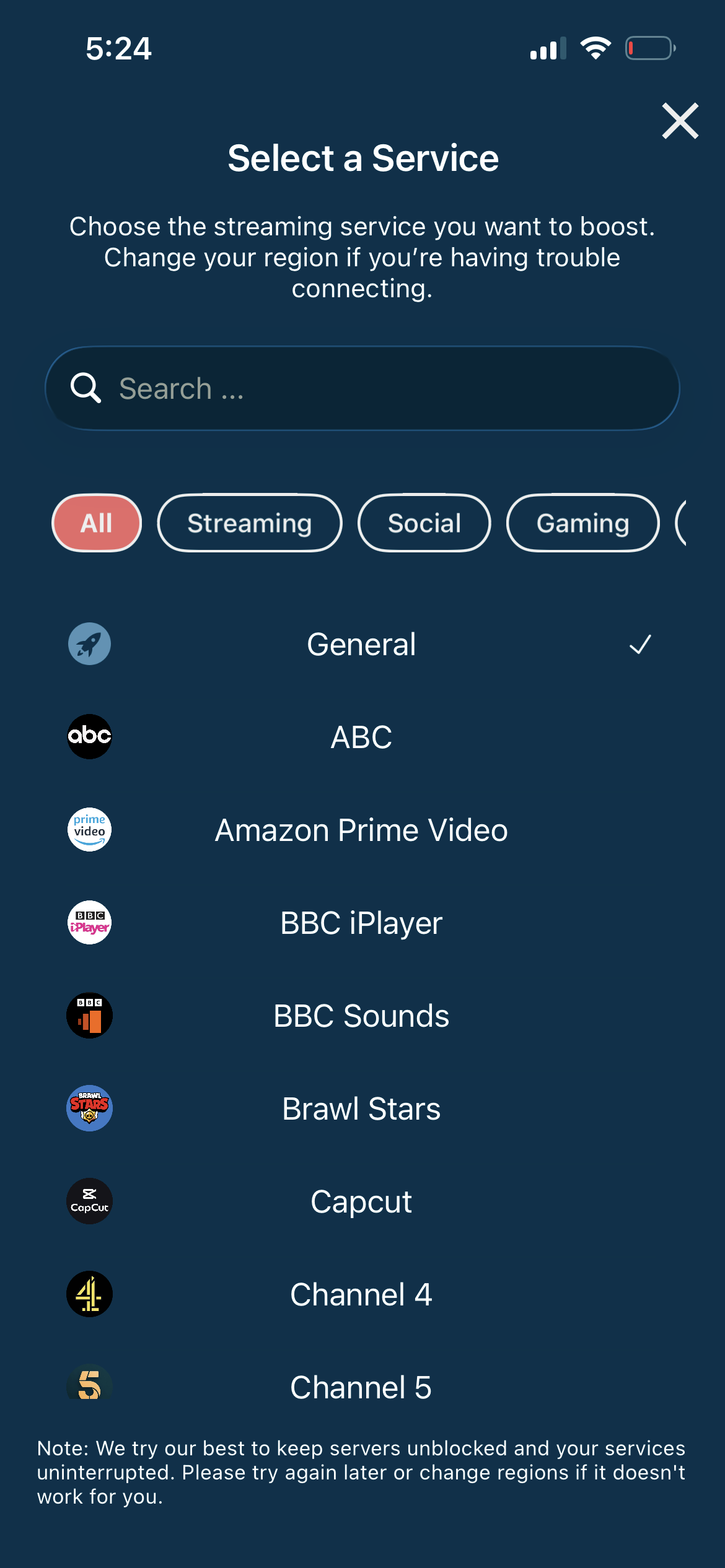
Connect to a US server
Connect to a US server for the fullest Gemini feature set. Swiss VPN ensures fast, unrestricted access.
- US server for full features
- One-tap connection
- Low latency
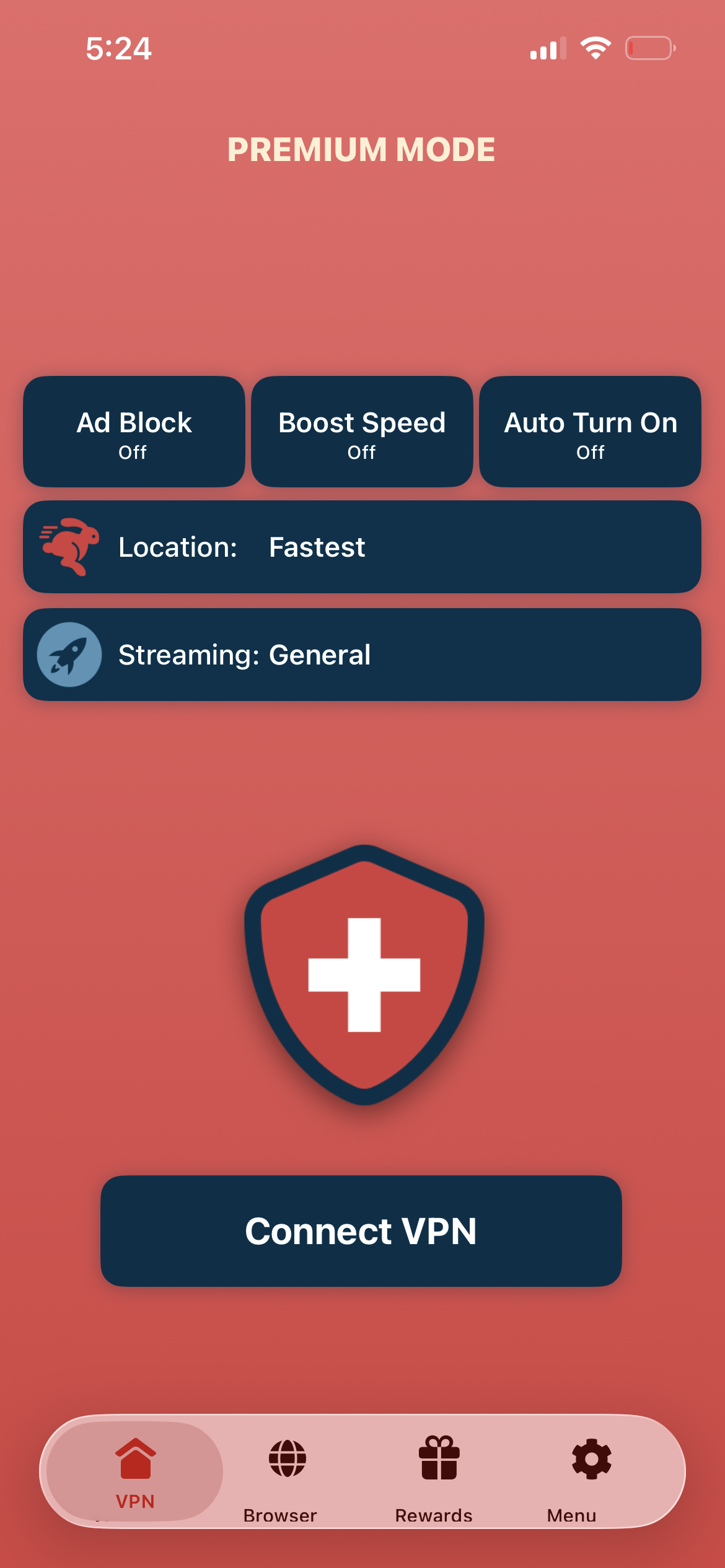
Tap connect, open Gemini
Tap "Connect VPN" and visit gemini.google.com or open the Gemini app — all AI features are available.
- Instant Gemini access
- Encrypted connection
- All features unlocked
If Gemini features are limited
Ensure you are connected to a US server. Some new features roll out to the US first. Restart your browser after connecting.
Good to know
- VPN access depends on the platform's current policies and may change over time.
- Some features may require an account or paid subscription to the service.
- For the best speed, connect to the nearest available server.
Frequently Asked Questions
Is Gemini free?
Yes. Google Gemini has a free tier. Gemini Advanced requires a Google One AI Premium subscription.
Which regions have full Gemini access?
The US typically gets new features first. Most Western countries have good Gemini availability.
Is my AI conversation private?
VPN encrypts your network connection. Google's own privacy policy applies to Gemini conversations.
Does VPN affect AI speed?
No. Swiss VPN adds negligible latency to AI responses.
Ready to access Gemini?
Download Swiss VPN, connect to a US server, and unlock Google Gemini's full AI capabilities.