To access Grok AI with a VPN:
- Download Swiss VPN free from the App Store — no account needed.
- Open the app and search for Grok AI in the service selector.
- Tap connect — Swiss VPN picks the fastest optimized server.
- Open Grok AI and start browsing.
What is Grok AI?
Grok is an AI chatbot created by Elon Musk's xAI company, integrated into X (formerly Twitter) Premium. It offers real-time internet access, a witty conversational style, and the ability to analyze images and documents. Grok may not be available in all regions, and X Premium is required for full access.
Why use Swiss VPN for Grok AI?
Grok is primarily available through X Premium in supported regions. Swiss VPN lets you connect to the US or other supported servers to access Grok's full capabilities.
Access from anywhere
Connect to a US server where Grok is available through X Premium.
Private AI conversations
Swiss VPN encrypts your traffic so your AI conversations remain private.
Fast response times
Optimized servers ensure fast AI response times without delays.
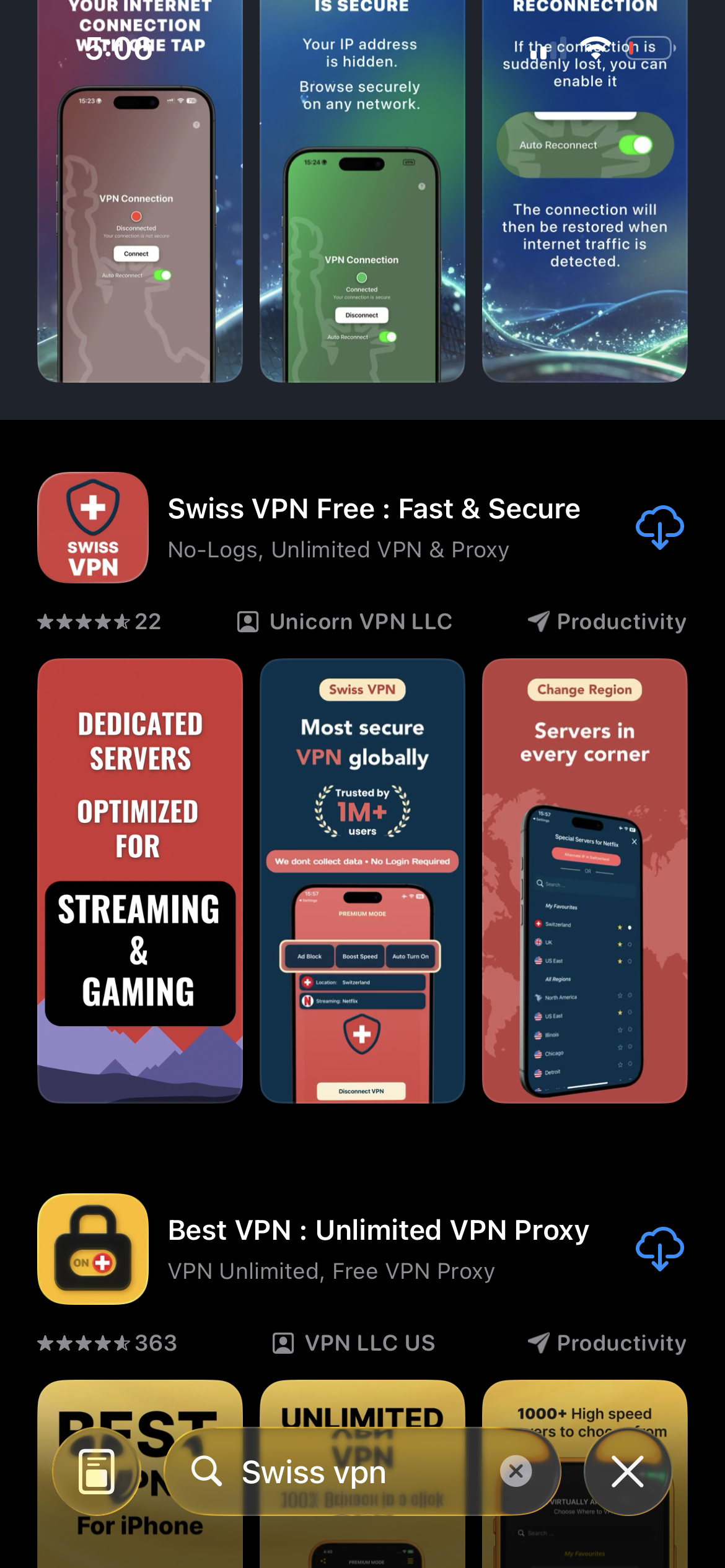
Download Swiss VPN
Search for "Swiss VPN" on the App Store and tap download. The app is completely free — no registration, no credit card, no personal information required.
- Available on iOS, iPadOS & macOS
- No registration required
- 100% free to download
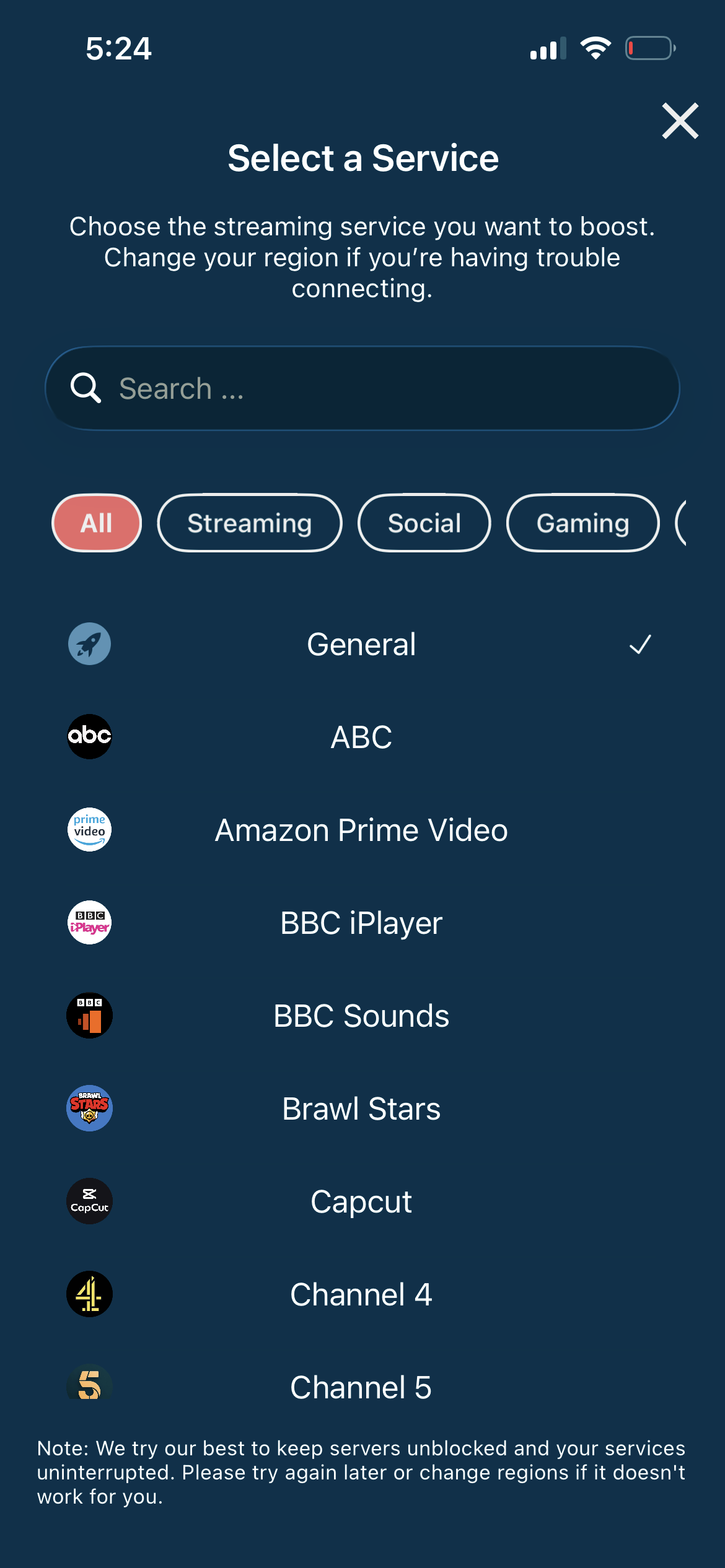
Connect to a US server
Grok is primarily available in the US. Connect to a US server to access all Grok features through X Premium.
- US server for Grok access
- One-tap connection
- Low latency
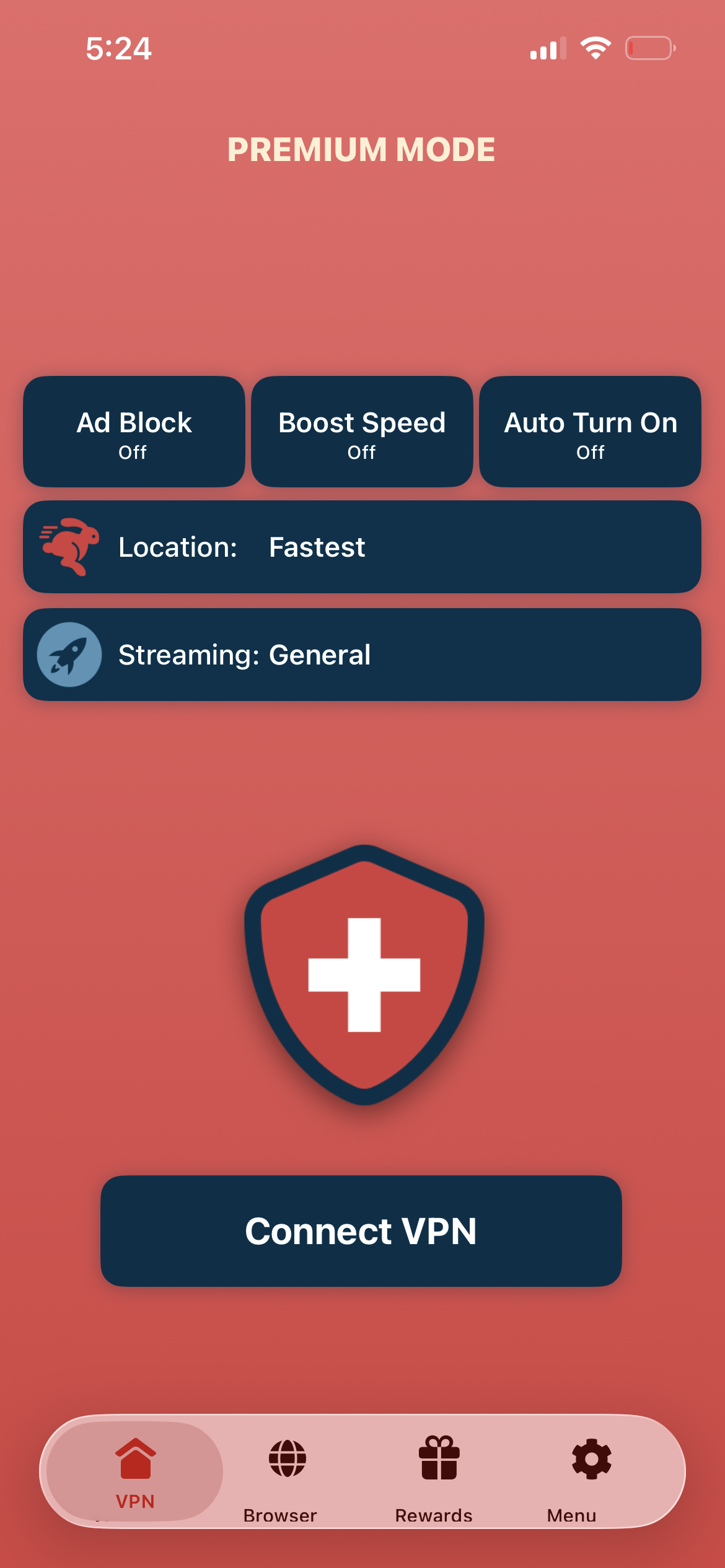
Tap connect, open Grok
Tap "Connect VPN" and open X. Navigate to Grok in the X app — full AI capabilities are now available.
- Instant Grok access
- Encrypted connection
- Fast AI responses
If Grok is not available
Ensure you are connected to a US server and have an active X Premium subscription. Restart the X app after connecting to the VPN.
Good to know
- VPN access depends on the platform's current policies and may change over time.
- Some features may require an account or paid subscription to the service.
- For the best speed, connect to the nearest available server.
Frequently Asked Questions
Do I need X Premium for Grok?
Yes. Full Grok access requires an X Premium subscription.
Which regions support Grok?
Grok is primarily available in the United States. Connect to a US server with Swiss VPN.
Is my AI conversation private?
Swiss VPN encrypts your connection so your ISP cannot see your Grok interactions. xAI's own privacy policy still applies.
Which server should I use?
Connect to any US server for the best Grok experience.
Ready to access Grok AI?
Download Swiss VPN, connect to a US server, and start using Grok's AI capabilities.