To play Minecraft with a VPN:
- Download Swiss VPN free from the App Store — no account needed.
- Open the app and search for Minecraft in the service selector.
- Tap connect — Swiss VPN picks the fastest optimized server.
- Open Minecraft and start playing.
What is Minecraft?
Minecraft is the world's best-selling game with 170+ million monthly players. It offers sandbox building, survival gameplay, and a massive multiplayer ecosystem with thousands of community servers. Minecraft multiplayer may be blocked on some networks, and connecting to distant servers can cause lag.
Why use Swiss VPN for Minecraft?
Minecraft multiplayer is blocked on many networks. VPN bypasses these blocks, lets you access geo-restricted servers, and hides your IP from other players for DDoS protection.
Bypass network blocks
School or work blocking Minecraft? VPN routes around network-level restrictions.
Access any server
Connect to geo-restricted Minecraft servers in other regions.
DDoS protection
Your real IP is hidden from other players and server admins.
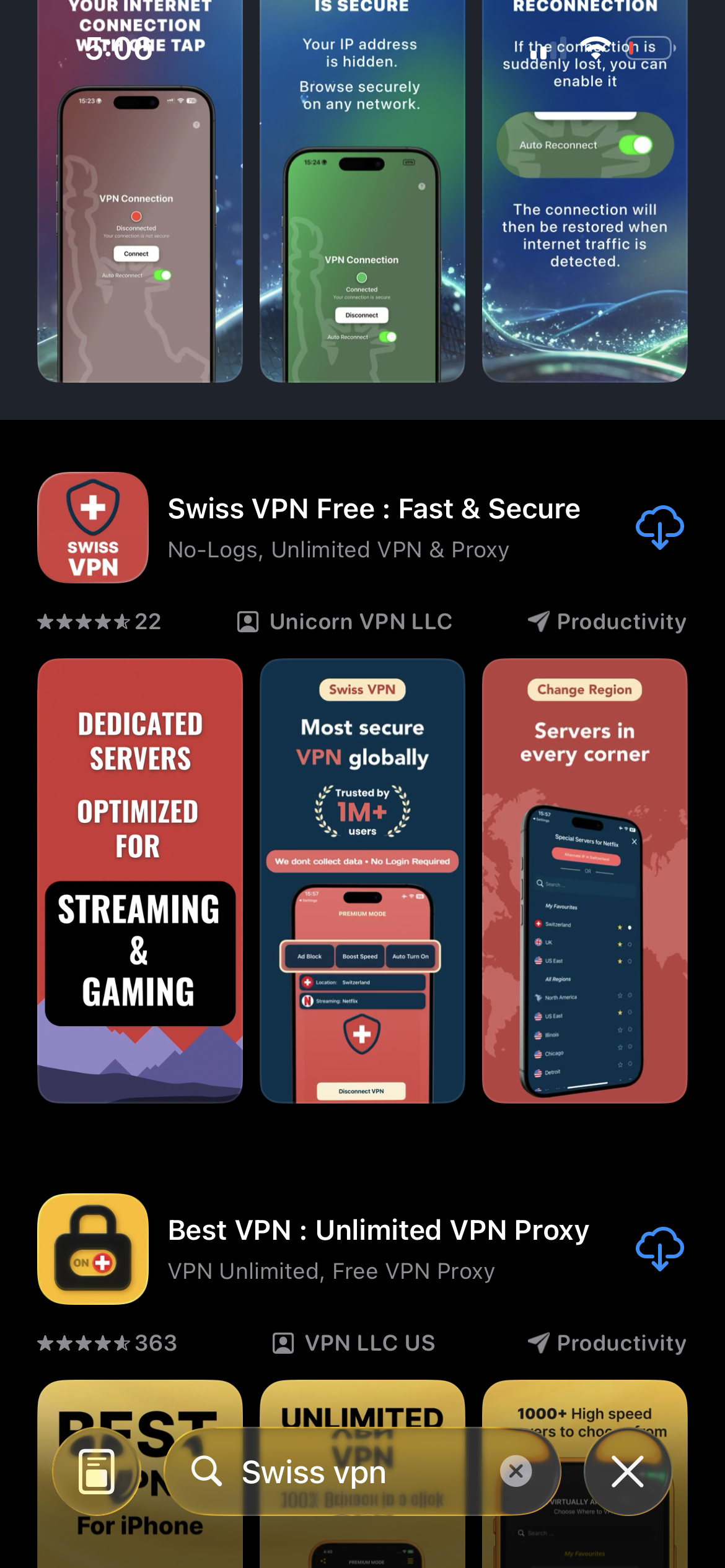
Download Swiss VPN
Search for "Swiss VPN" on the App Store and tap download. The app is completely free — no registration, no credit card, no personal information required.
- Available on iOS, iPadOS & macOS
- No registration required
- 100% free to download
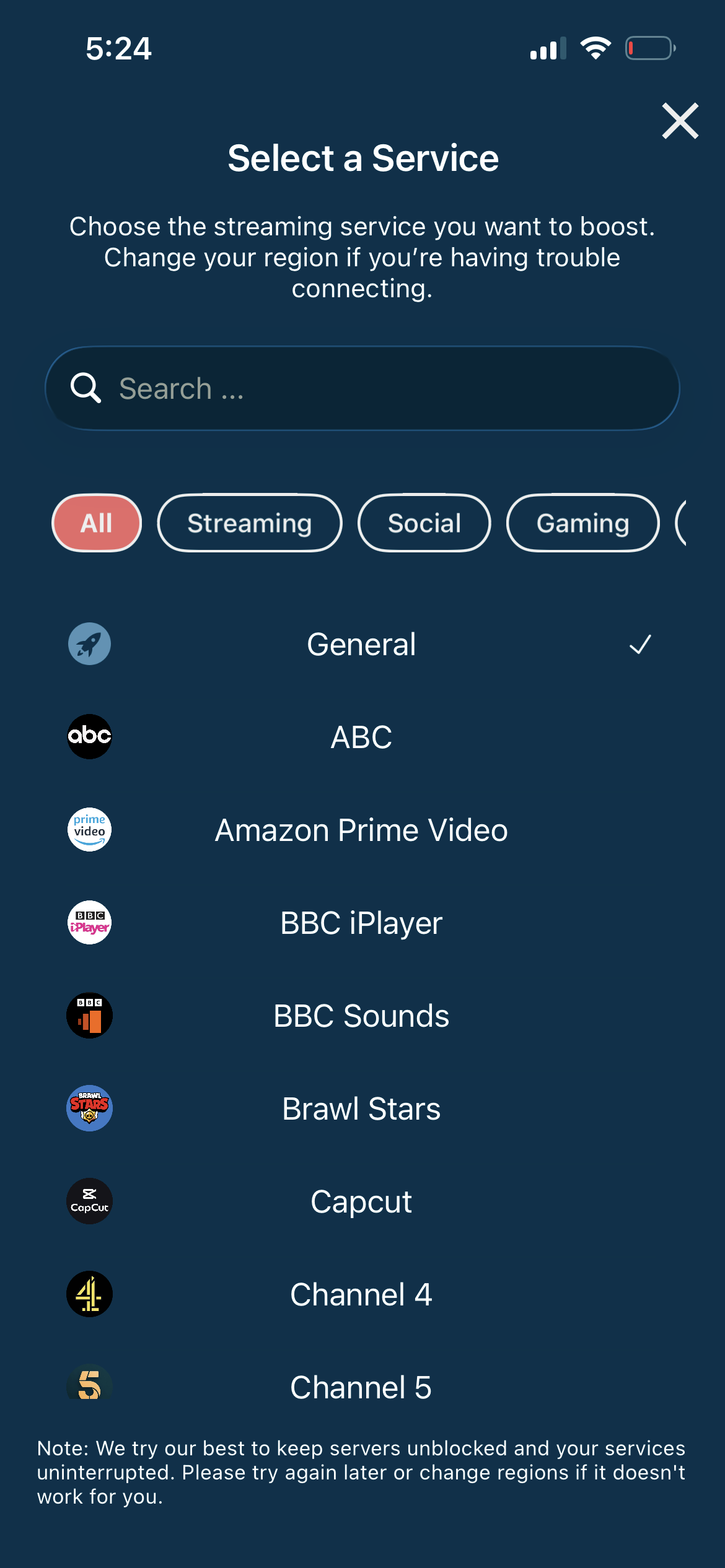
Connect to the best server
For multiplayer, connect to a VPN server closest to your Minecraft game server for the lowest ping.
- Match VPN server to game server
- Lowest ping possible
- DDoS protection
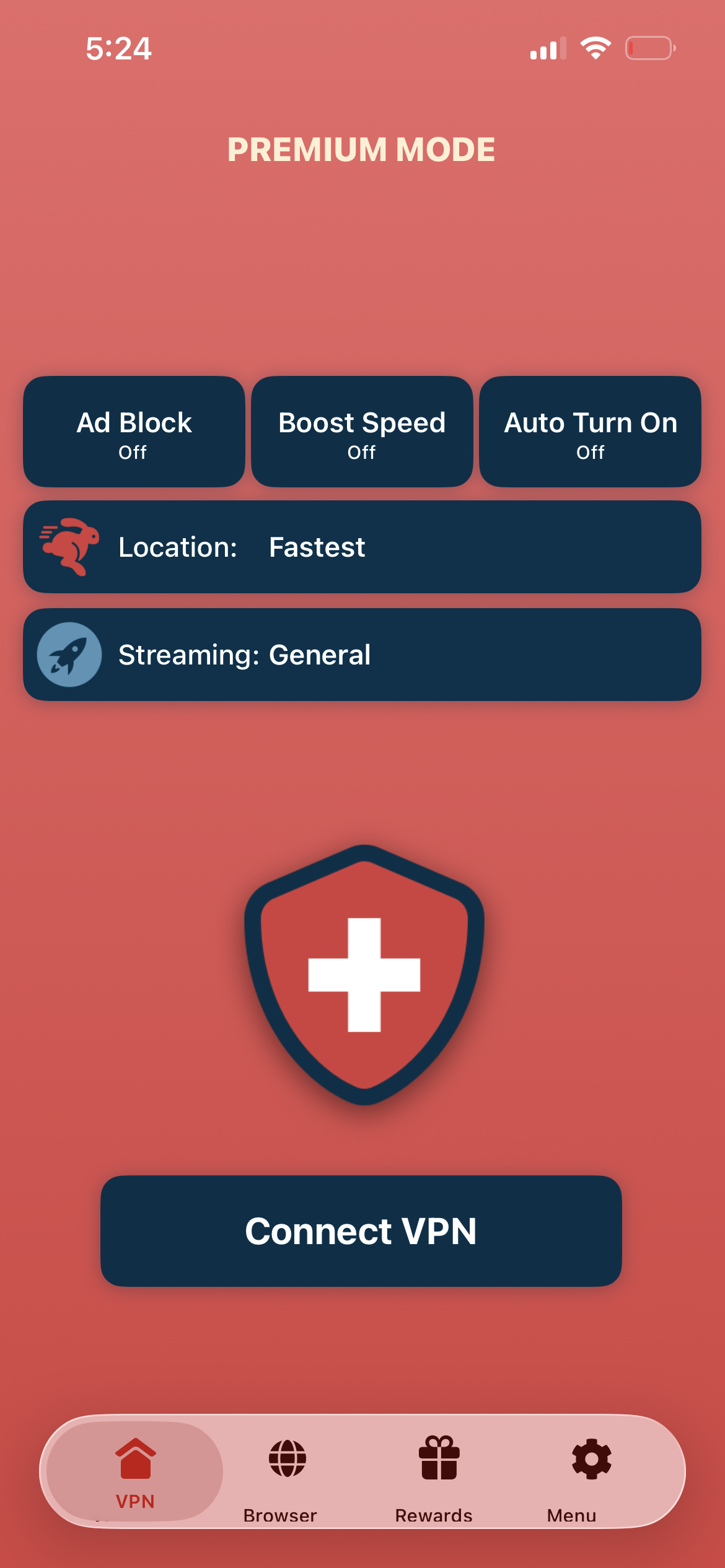
Tap connect, launch Minecraft
Tap "Connect VPN" and launch Minecraft — connect to any multiplayer server with your real IP hidden.
- Instant multiplayer access
- IP address hidden
- Low latency gaming
If multiplayer has high latency
Match your VPN server location to the Minecraft game server location. If the game server is in the US, connect to a US VPN server.
Good to know
- Some games use GPS or additional location checks alongside IP verification.
- In-app purchases and account regions are tied to your app store country.
- For the lowest ping, always connect to the server nearest your game server.
Frequently Asked Questions
Why use a VPN for Minecraft?
VPN bypasses network blocks, provides DDoS protection, and lets you access geo-restricted servers.
Will a VPN add lag?
If you choose a VPN server near your game server, lag is minimal or even reduced.
Can I bypass school blocks?
Yes. Swiss VPN encrypts and routes your traffic through external servers.
Which server should I use?
Connect to a VPN server nearest your Minecraft game server for the best ping.
Ready to play Minecraft?
Download Swiss VPN and access Minecraft multiplayer from anywhere — with DDoS protection and low latency.