To access The National Lottery with a VPN:
- Download Swiss VPN free from the App Store — no account needed.
- Open the app and search for The National Lottery in the service selector.
- Tap connect — Swiss VPN picks the fastest optimized server.
- Open The National Lottery and start browsing.
What is The National Lottery?
The National Lottery is the UK's state-franchised lottery operated by Allwyn. The website and app let UK residents buy tickets, check results, and manage accounts. When traveling abroad, the National Lottery website and app are geo-restricted to the United Kingdom.
Why use Swiss VPN for The National Lottery?
If you are traveling abroad, the National Lottery website and app stop working. Swiss VPN routes your connection through a UK server so you can check results and manage your account.
Access while traveling
Connect to a UK server and check lottery results from anywhere.
Secure connection
Swiss VPN encrypts your connection, protecting account credentials.
Fast access
Optimized UK servers for quick page loads.
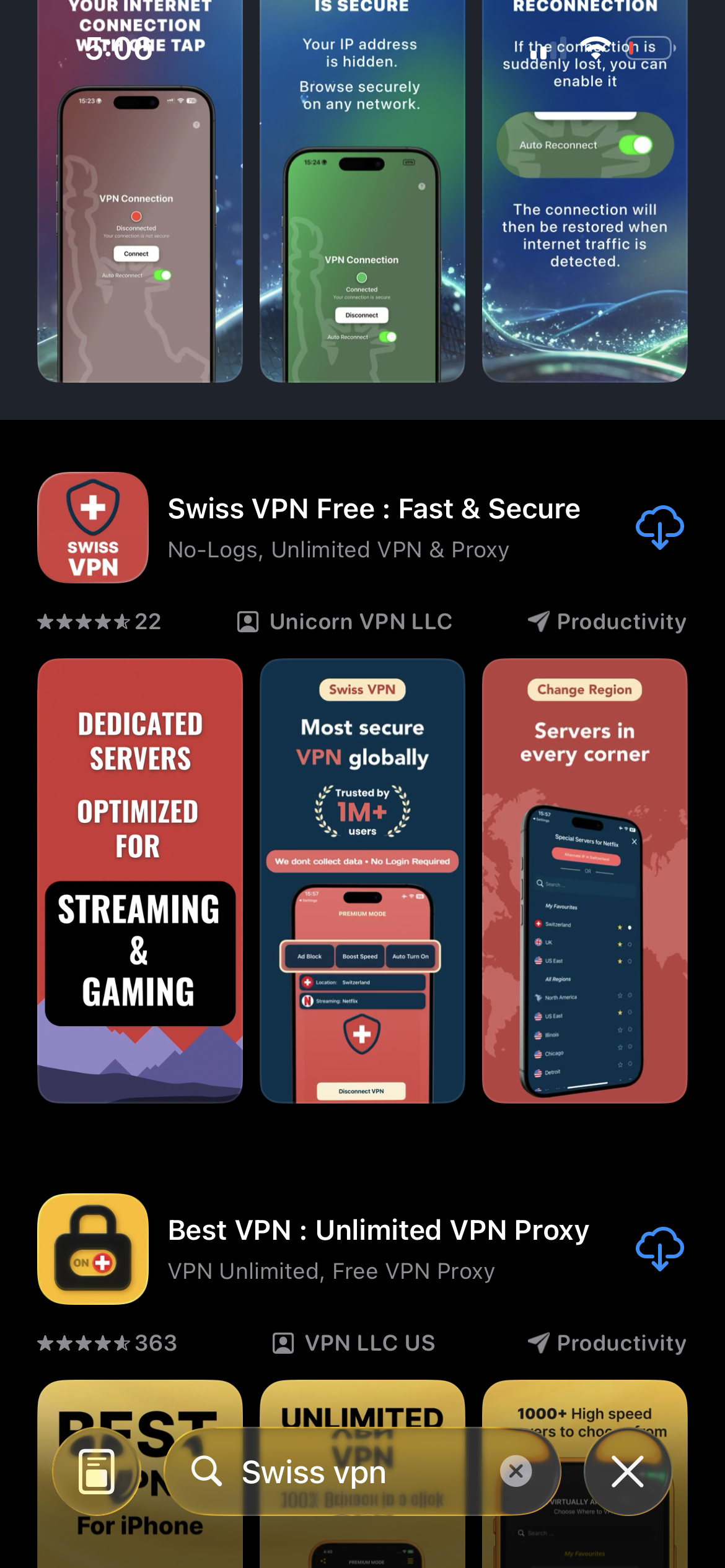
Download Swiss VPN
Search for "Swiss VPN" on the App Store and tap download. The app is completely free — no registration, no credit card, no personal information required.
- Available on iOS, iPadOS & macOS
- No registration required
- 100% free to download
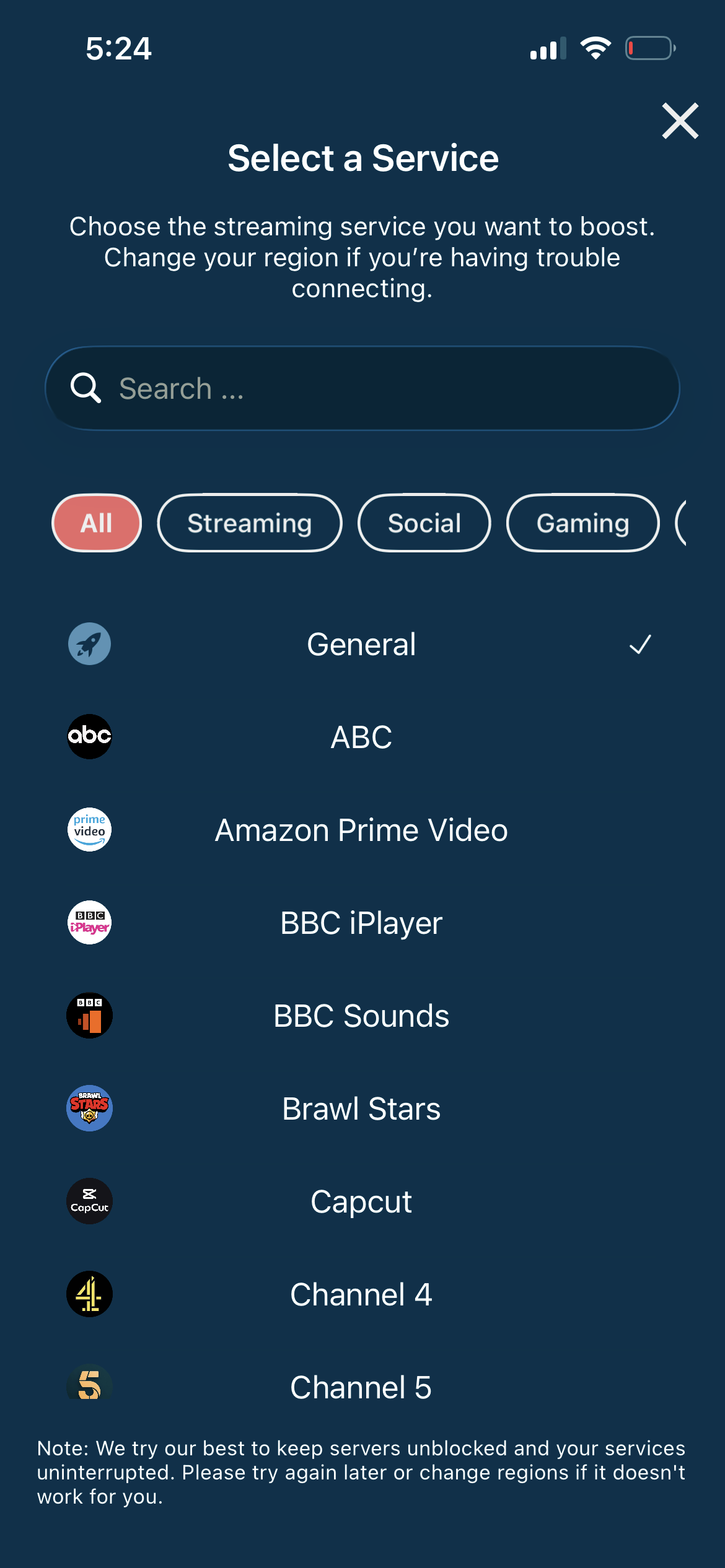
Connect to a UK server
Connect to any UK server. The National Lottery requires a UK IP address to access the website and app.
- Any UK server works
- One-tap connection
- Secure access
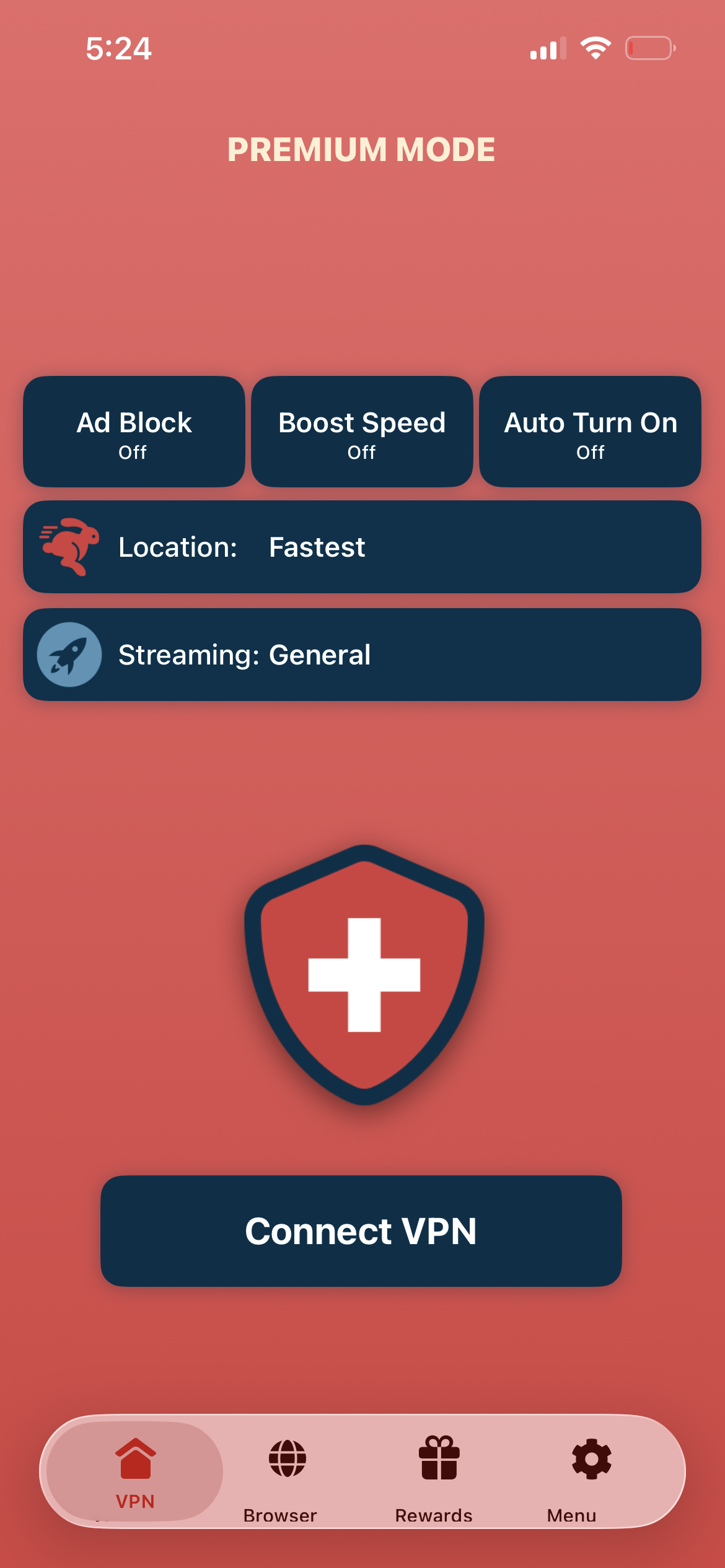
Tap connect, open National Lottery
Tap "Connect VPN" and visit national-lottery.co.uk or open the app — check results and manage your account.
- Instant access
- Encrypted connection
- Check results abroad
If the site shows a location error
Disconnect, reconnect to a different UK city, and clear your browser cookies before retrying.
Good to know
- VPN access depends on the platform's current policies and may change over time.
- Some features may require an account or paid subscription to the service.
- For the best speed, connect to the nearest available server.
Frequently Asked Questions
Can I buy tickets with a VPN?
The National Lottery is regulated and ticket purchases are intended for UK residents. Use VPN primarily for checking results and managing your account while traveling.
Is the site UK-only?
Yes. The National Lottery website and app are geo-restricted to the UK.
Is my account data safe?
Yes. Swiss VPN encrypts your connection, adding security to your account access.
Which server should I use?
Any UK server will work for National Lottery access.
Ready to access The National Lottery?
Download Swiss VPN, connect to a UK server, and check lottery results — from anywhere in the world.