To play Pokemon GO with a VPN:
- Download Swiss VPN free from the App Store — no account needed.
- Open the app and search for Pokemon GO in the service selector.
- Tap connect — Swiss VPN picks the fastest optimized server.
- Open Pokemon GO and start playing.
What is Pokemon GO?
Pokemon GO is Niantic's augmented reality mobile game with hundreds of millions of downloads worldwide. Players explore the real world to catch Pokemon, battle in gyms, and participate in raids. The game uses GPS location data extensively, and a VPN can protect your network privacy while playing.
Why use Swiss VPN for Pokemon GO?
Pokemon GO requires constant internet connectivity, often on public Wi-Fi. Swiss VPN encrypts your connection to protect your data on public networks and bypasses network restrictions.
Safe on public Wi-Fi
Play Pokemon GO safely on park, cafe, and public Wi-Fi with encrypted connection.
Network privacy
Your ISP and network admin cannot see your gaming activity.
Bypass blocks
Some corporate and school networks block gaming — VPN bypasses restrictions.
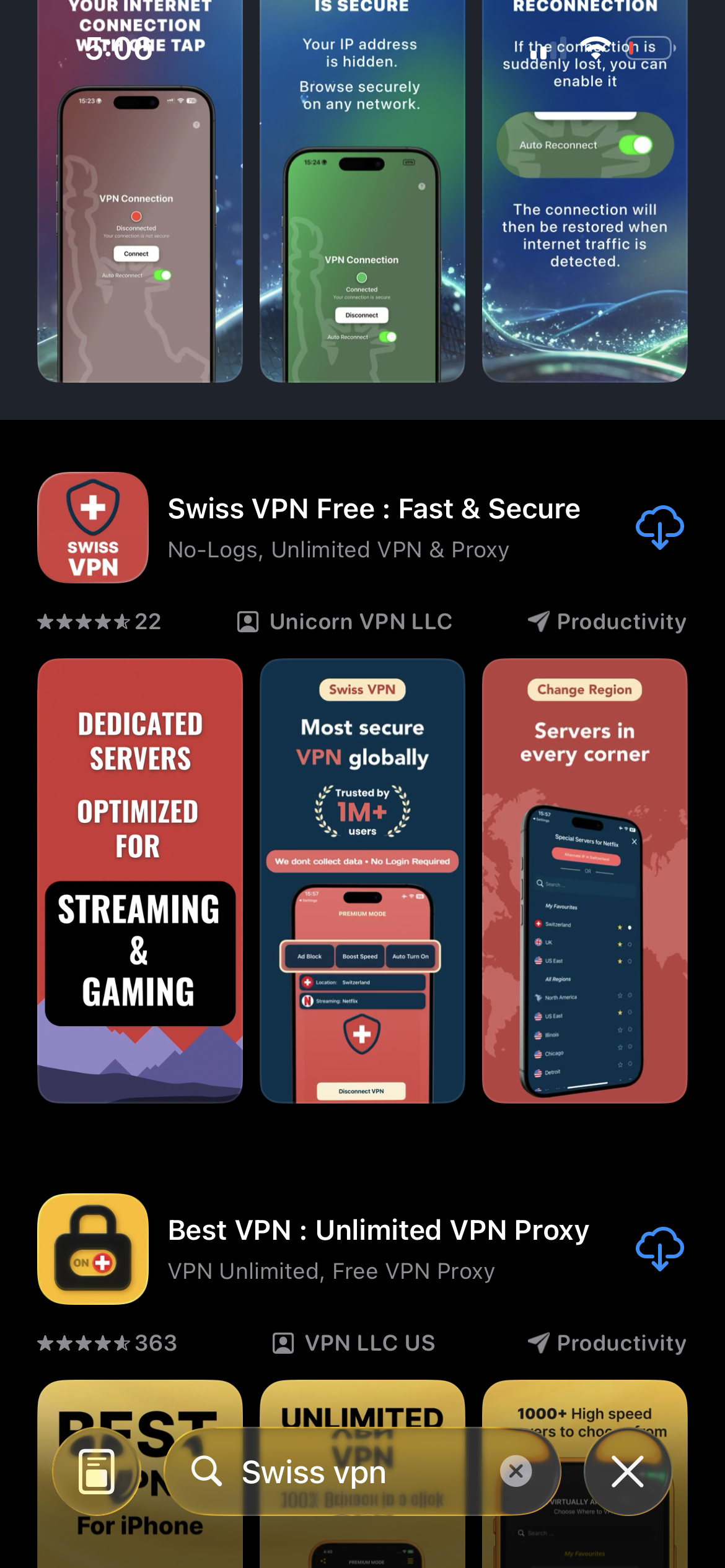
Download Swiss VPN
Search for "Swiss VPN" on the App Store and tap download. The app is completely free — no registration, no credit card, no personal information required.
- Available on iOS, iPadOS & macOS
- No registration required
- 100% free to download
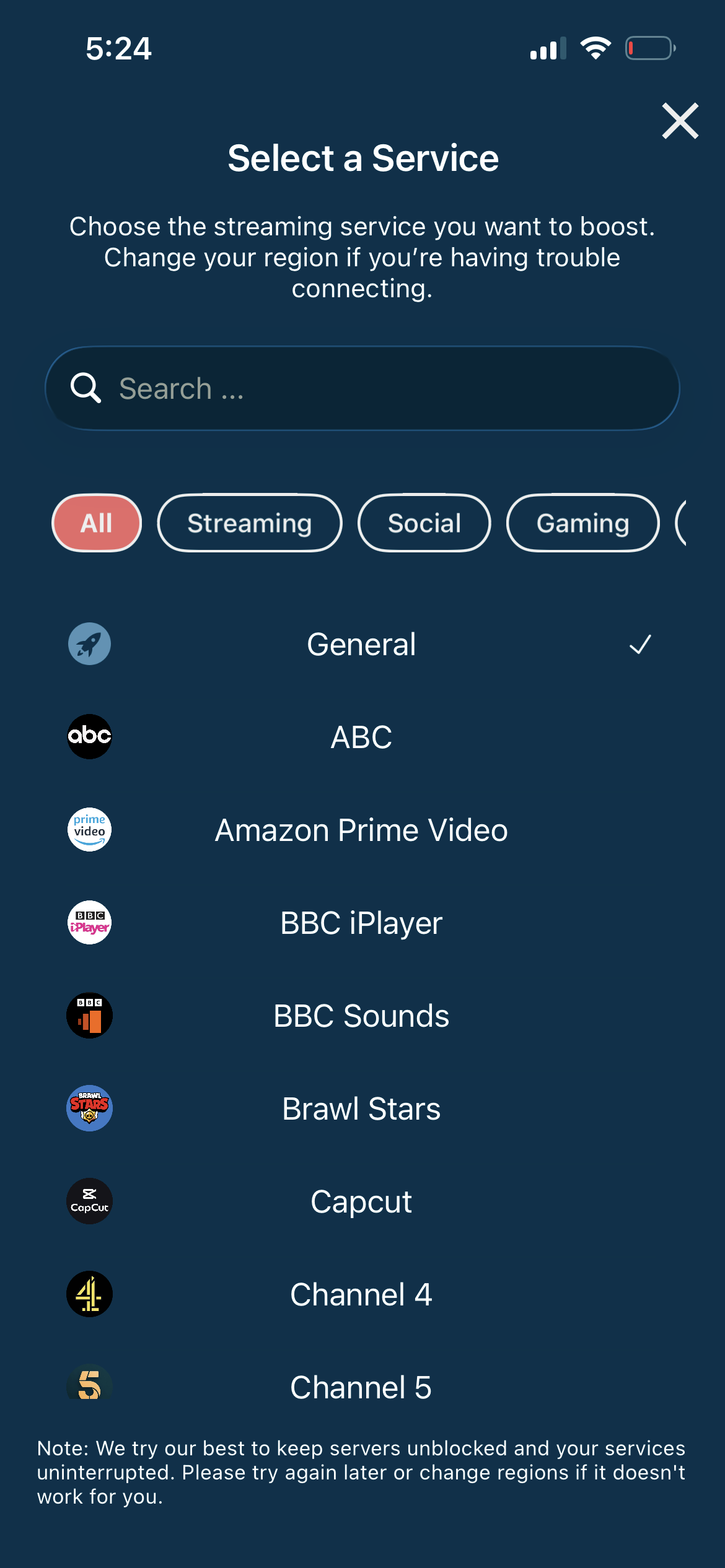
Connect to the nearest server
Connect to the nearest server for the best speed and lowest battery impact. Any server provides full encryption.
- Auto-selects fastest server
- Minimal battery impact
- Full encryption
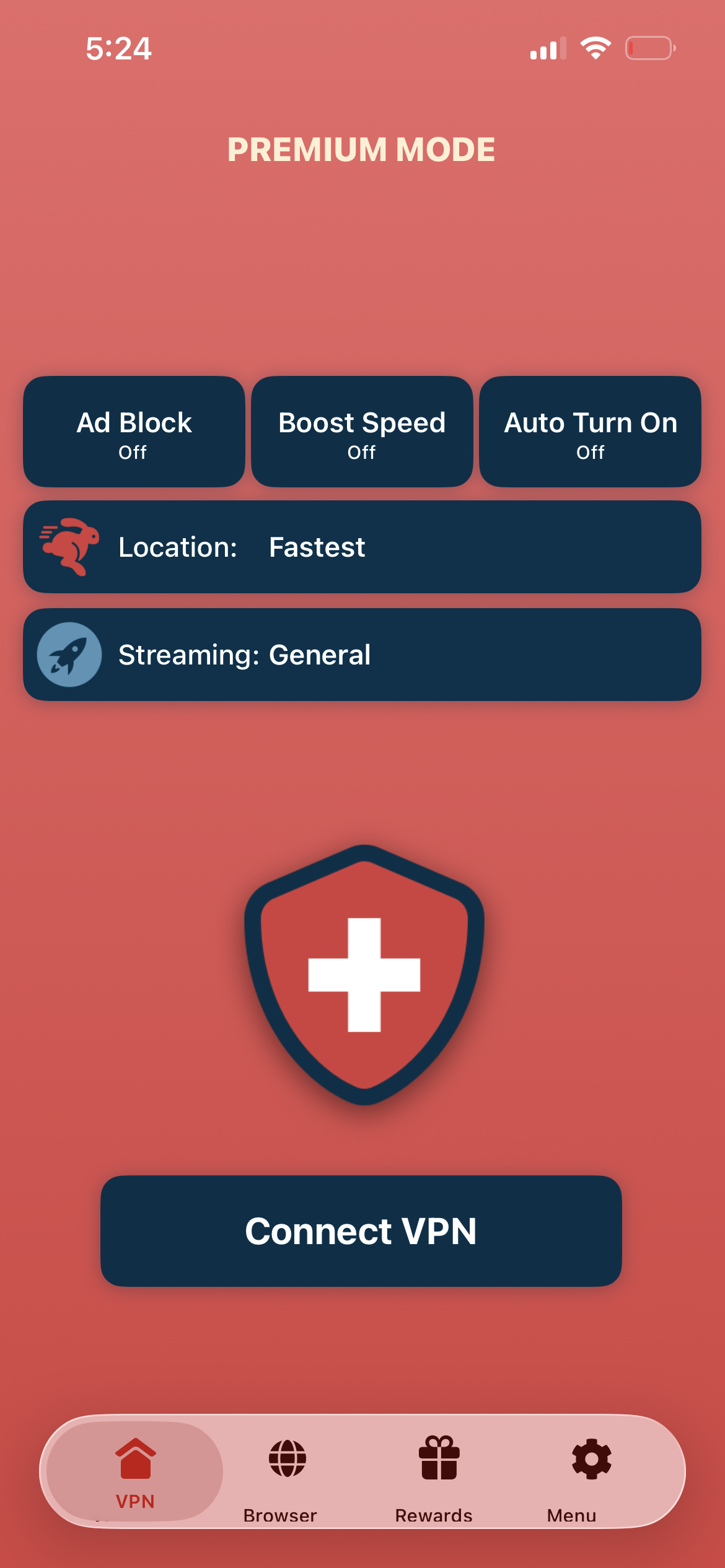
Tap connect, play Pokemon GO
Tap "Connect VPN" and launch Pokemon GO — your network connection is now encrypted while you play.
- Instant protection
- Encrypted gaming connection
- Play on any network
If Pokemon GO has connection issues
Ensure you are connected to the nearest VPN server for the lowest latency. Restart Pokemon GO after connecting to the VPN.
Good to know
- Some games use GPS or additional location checks alongside IP verification.
- In-app purchases and account regions are tied to your app store country.
- For the lowest ping, always connect to the server nearest your game server.
Frequently Asked Questions
Why use a VPN for Pokemon GO?
VPN protects your connection on public Wi-Fi, adds network privacy, and bypasses network blocks that prevent gaming.
Will VPN drain my battery?
Swiss VPN is optimized for mobile with minimal battery impact — connect to the nearest server.
Will VPN affect GPS?
No. Swiss VPN does not interfere with GPS. Pokemon GO will still use your real location for gameplay.
Can I play on public Wi-Fi safely?
Yes. Swiss VPN encrypts your connection on any Wi-Fi network, protecting your data from snoopers.
Ready to play Pokemon GO safely?
Download Swiss VPN and protect your connection while catching Pokemon — on any network.