To watch Sky Go with a VPN:
- Download Swiss VPN free from the App Store — no account needed.
- Open the app and search for Sky Go in the service selector.
- Tap connect — Swiss VPN picks the fastest optimized server.
- Open Sky Go and start streaming.
What is Sky Go?
Sky Go is Sky's companion streaming app for existing Sky TV subscribers in the UK and Ireland. It lets you watch live Sky channels, on-demand content, and recorded shows on your mobile device, tablet, or laptop while away from your TV. Sky Go is geo-restricted to the UK and Ireland.
Why use Swiss VPN for Sky Go?
Sky Go stops working the moment you leave the UK or Ireland. Swiss VPN routes your connection through a UK server so Sky Go thinks you are still at home.
Watch Sky Go abroad
Traveling? Connect to a UK server and Sky Go works as if you are in the UK.
Encrypted connection
Swiss VPN encrypts your traffic for complete privacy.
Fast streaming
Optimized UK servers ensure smooth playback.
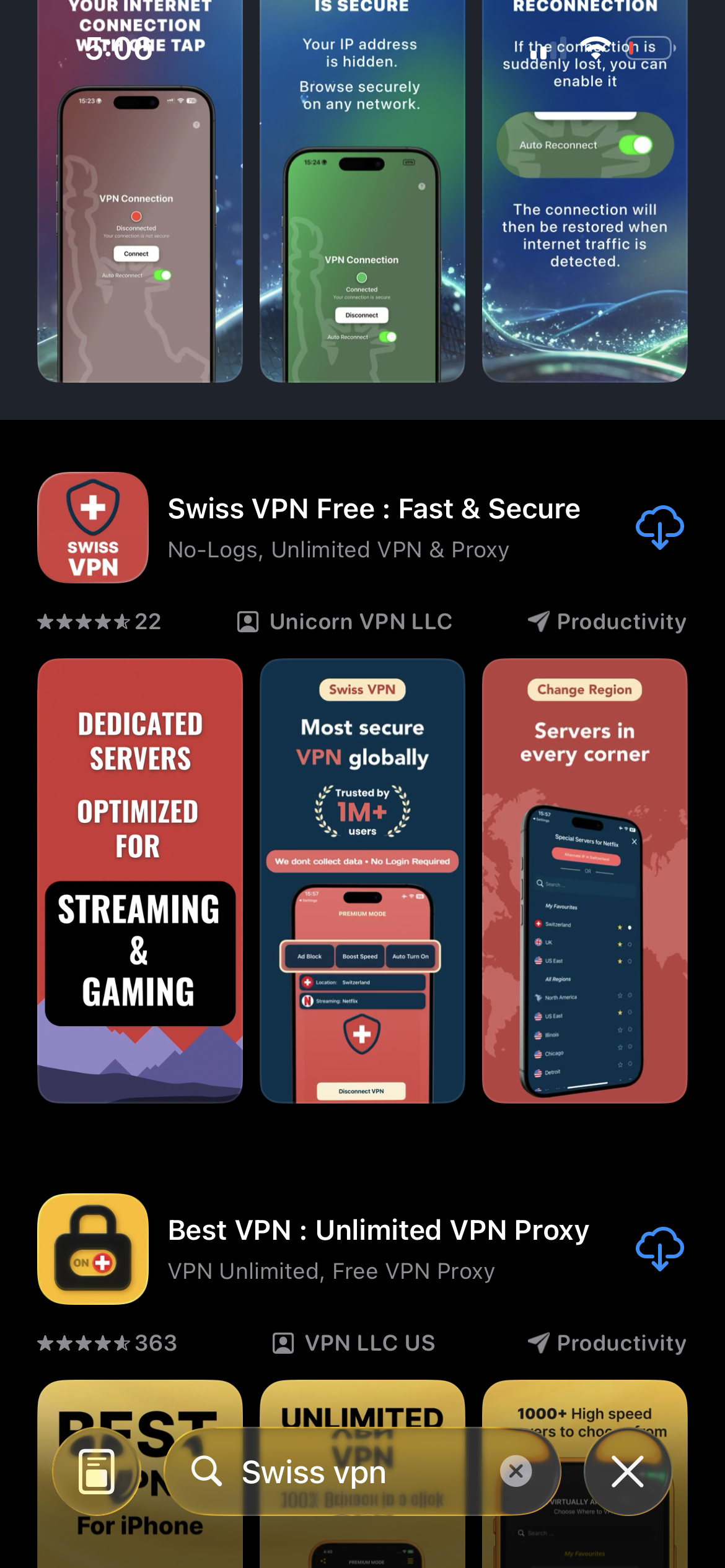
Download Swiss VPN
Search for "Swiss VPN" on the App Store and tap download. The app is completely free — no registration, no credit card, no personal information required.
- Available on iOS, iPadOS & macOS
- No registration required
- 100% free to download
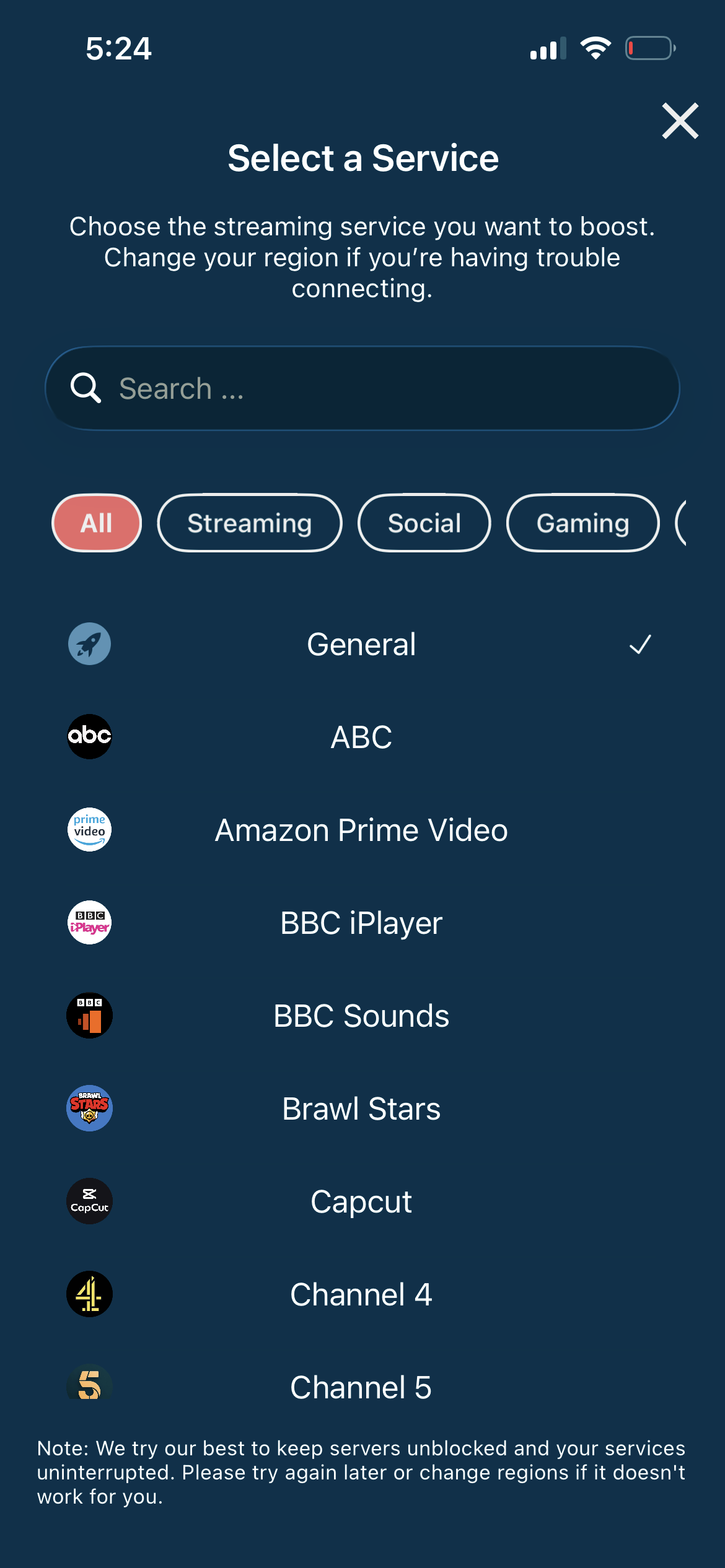
Search for Sky Go
Open the service selector and search for "Sky Go" or browse the Streaming category. Tap it and Swiss VPN connects to the best UK server.
- Auto-selects best UK server
- One-tap connection
- Optimized for Sky Go
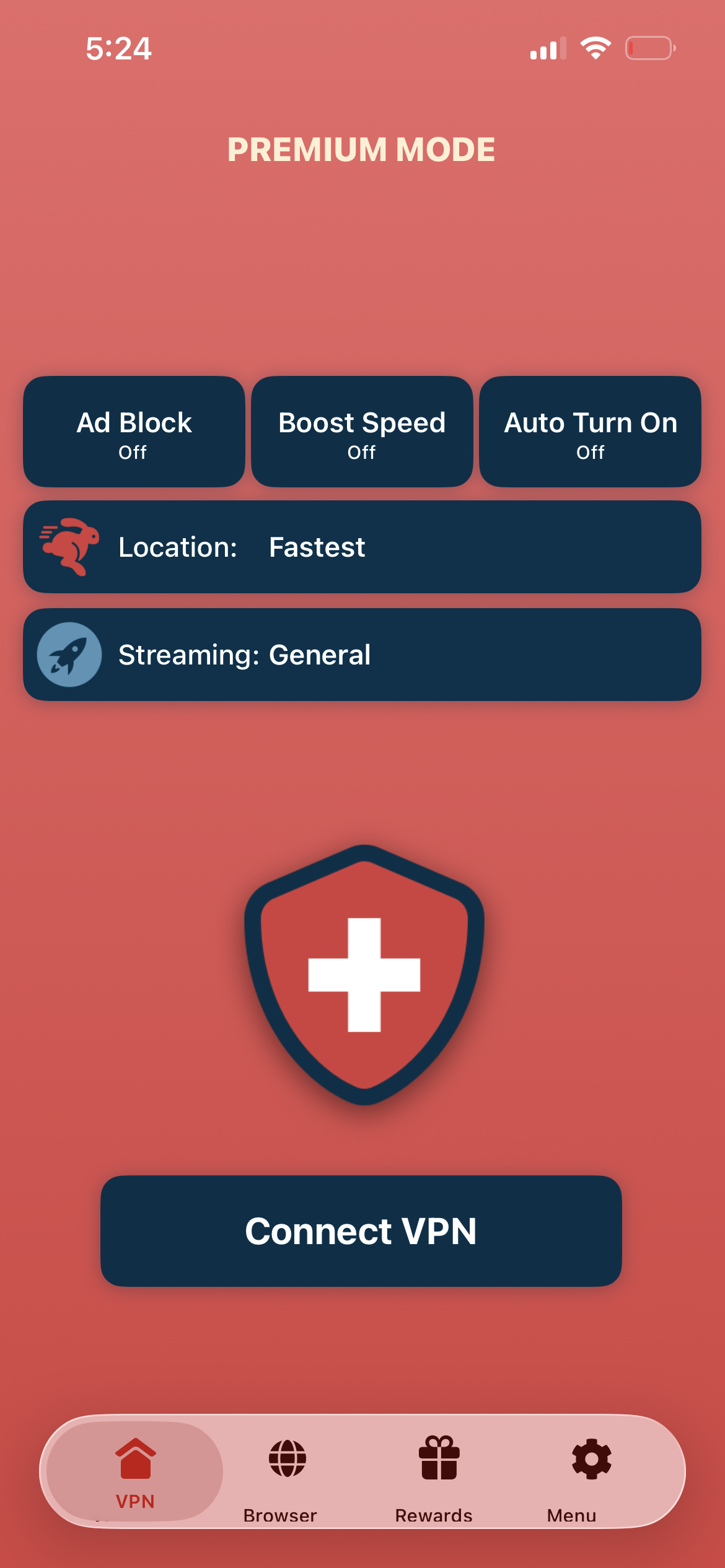
Tap connect, open Sky Go
Tap "Connect VPN" and wait for the connection. Then open the Sky Go app — live channels and on-demand content are available.
- Instant Sky Go access
- Encrypted connection
- Stream live TV & on-demand
If Sky Go shows a location error
Disconnect, reconnect to a different UK city, and reopen the Sky Go app. Make sure you are signed in with your Sky account.
Good to know
- VPN access depends on the service's current policies and may change over time.
- Some content may require a paid subscription to the streaming service itself.
- For the best experience, connect to the nearest recommended server.
Frequently Asked Questions
Do I need a Sky subscription for Sky Go?
Yes. Sky Go is a companion app for existing Sky TV subscribers.
Is Sky Go UK-only?
Yes. Sky Go is restricted to the UK and Ireland.
Can I watch live TV on Sky Go?
Yes. Sky Go streams all Sky channels you have in your package.
How many devices can I use?
Sky Go supports multiple devices depending on your Sky package.
Ready to stream Sky Go?
Download Swiss VPN, connect to a UK server, and watch Sky channels — from anywhere in the world.