To listen to Spotify with a VPN:
- Download Swiss VPN free from the App Store — no account needed.
- Open the app and search for Spotify in the service selector.
- Tap connect — Swiss VPN picks the fastest optimized server.
- Open Spotify and start listening.
What is Spotify?
Spotify is the world's largest music streaming service with over 600 million users and 100 million+ songs. It also offers podcasts and audiobooks. While Spotify is available in most countries, some content, podcasts, and pricing vary by region — and a VPN helps maintain privacy while listening.
Why use Swiss VPN for Spotify?
Spotify's catalog is not identical everywhere — some tracks, podcasts, and features are region-locked. Plus, a VPN encrypts your listening activity for complete privacy.
Access different libraries
Connect to different regions to find songs and podcasts not available in your country.
Privacy while listening
Swiss VPN encrypts your traffic so your ISP cannot monitor your listening habits.
No quality loss
Swiss VPN does not affect audio quality — stream in max quality on any plan.
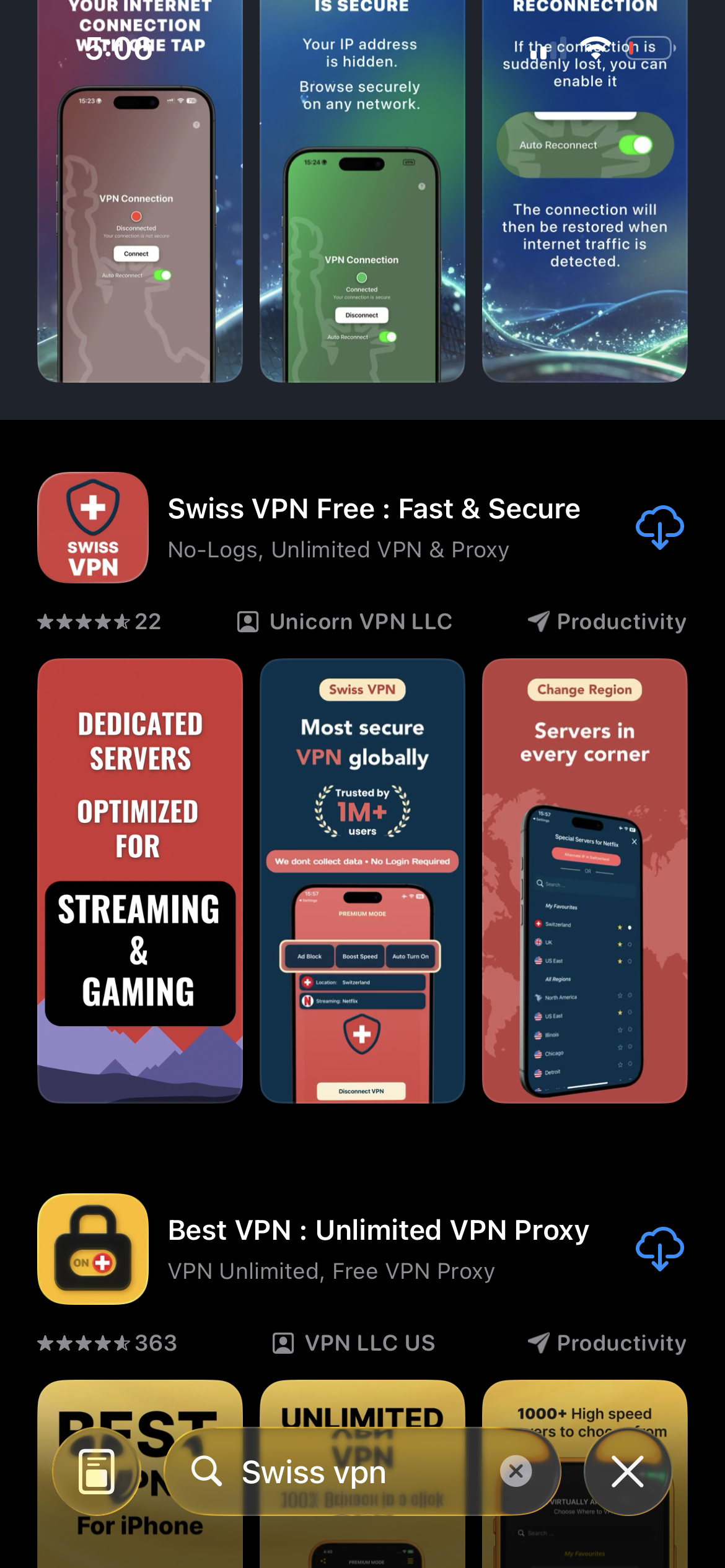
Download Swiss VPN
Search for "Swiss VPN" on the App Store and tap download. The app is completely free — no registration, no credit card, no personal information required.
- Available on iOS, iPadOS & macOS
- No registration required
- 100% free to download
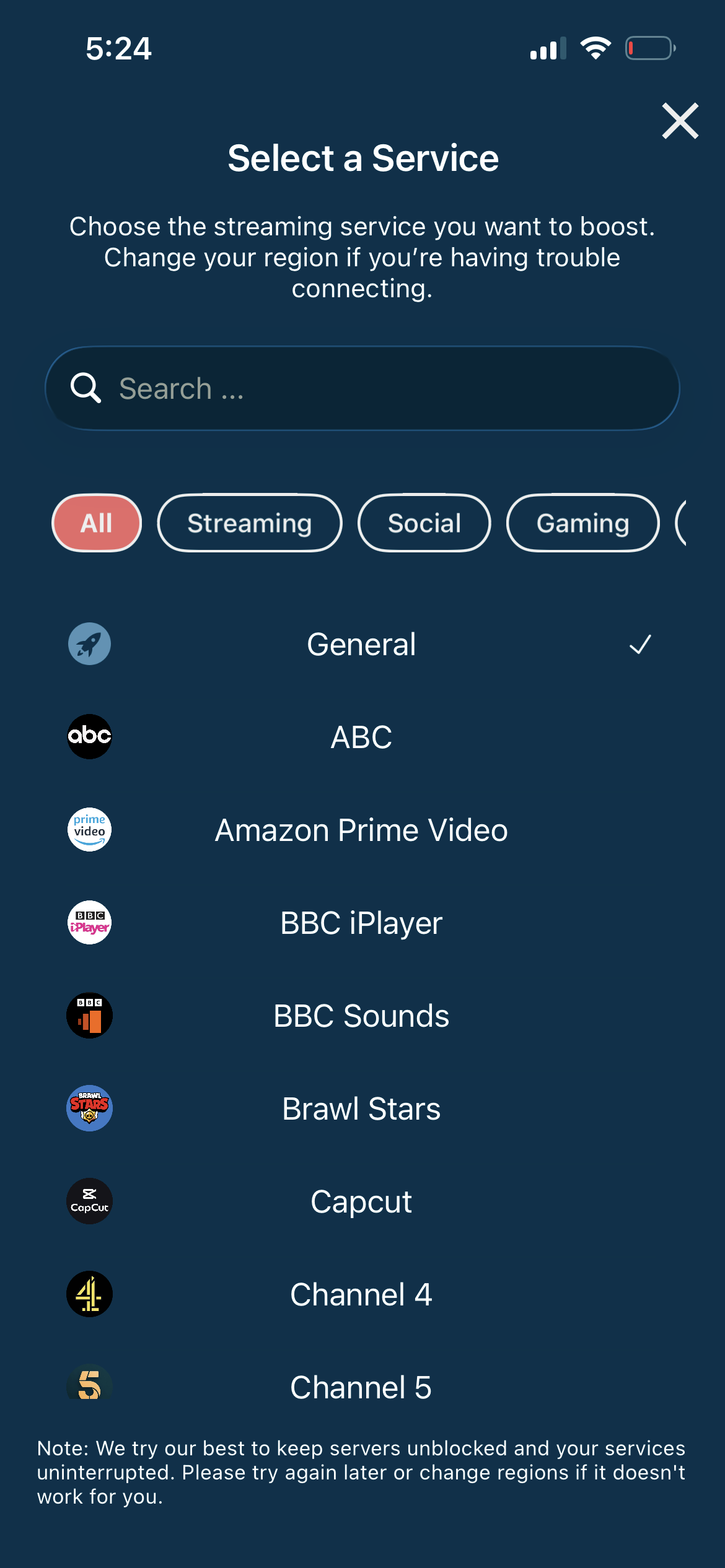
Search for Spotify
Open the service selector and search for "Spotify" or browse the Streaming category. Tap it and Swiss VPN connects to the best server.
- Auto-selects best server
- One-tap connection
- Optimized for music streaming
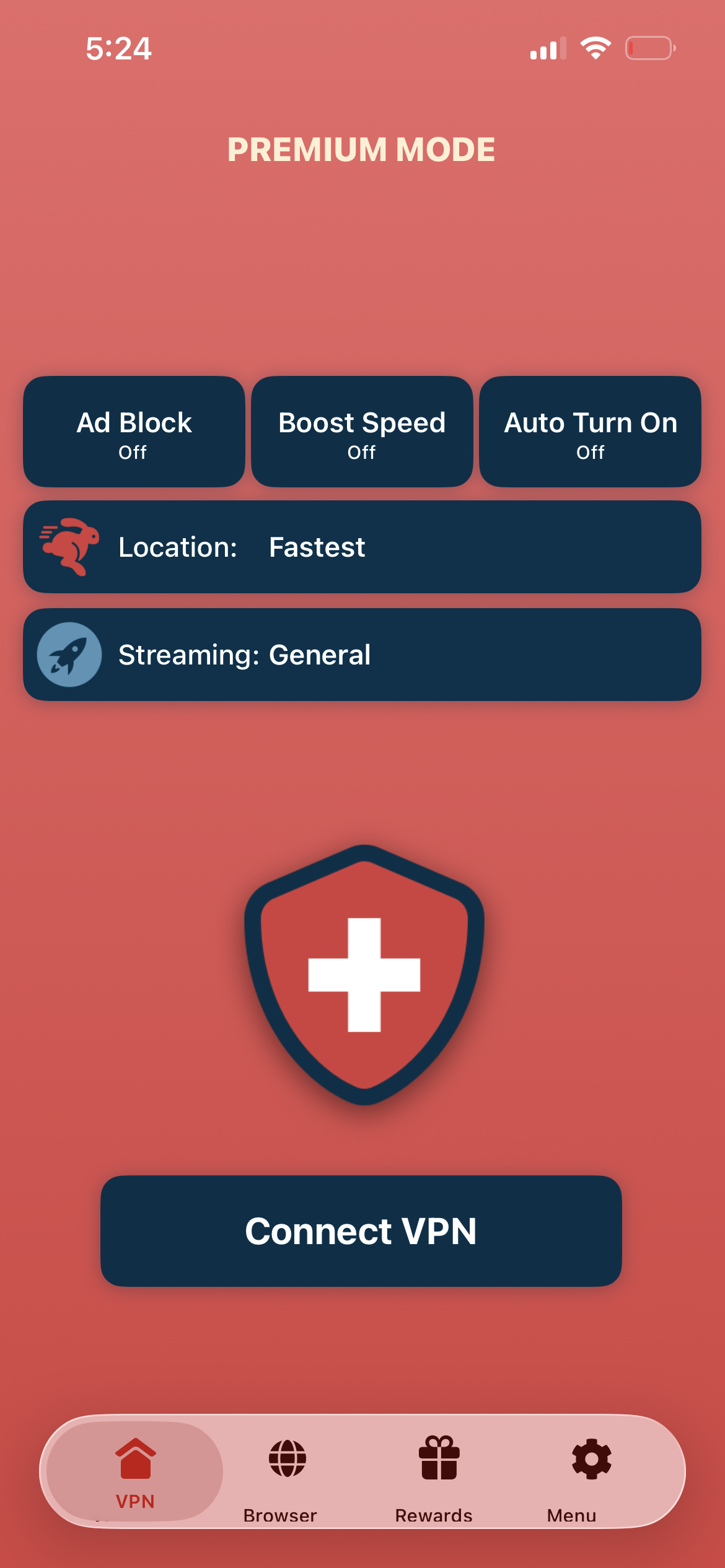
Tap connect, open Spotify
Tap "Connect VPN" and wait for the connection. Then open Spotify — your library is private and region-specific content is accessible.
- Instant Spotify access
- Encrypted & private listening
- No audio quality loss
If Spotify shows the wrong library
Disconnect, reconnect to the correct region, and restart Spotify. You may need to sign out and back in for the library to refresh.
Good to know
- VPN access depends on the service's current policies and may change over time.
- Some content may require a paid subscription to the streaming service itself.
- For the best experience, connect to the nearest recommended server.
Frequently Asked Questions
Does Spotify differ by country?
Yes. Some songs, albums, and podcasts are only available in certain regions due to licensing.
Can I get cheaper Spotify plans with a VPN?
Spotify pricing varies by region, but Spotify may verify your payment method matches your region.
Does the free tier work with a VPN?
Yes. Both free and Premium Spotify work with Swiss VPN.
Will a VPN affect audio quality?
No. Swiss VPN does not reduce Spotify audio quality.
Ready to stream Spotify?
Download Swiss VPN, connect to any region, and enjoy Spotify with complete privacy.