To access StreamEast with a VPN:
- Download Swiss VPN free from the App Store — no account needed.
- Open the app and search for StreamEast in the service selector.
- Tap connect — Swiss VPN picks the fastest optimized server.
- Open StreamEast and start browsing.
What is StreamEast?
StreamEast is a popular free sports streaming website offering live streams of NBA, NFL, UFC, soccer, and more. When using free streaming sites like StreamEast, protecting your privacy with a VPN is strongly recommended — it encrypts your connection and hides your IP address.
Why use Swiss VPN for free streaming sites?
Free sports streaming sites do not always encrypt your connection and may expose your IP address. Swiss VPN adds a layer of protection by encrypting all your traffic and hiding your real IP.
Protect your privacy
Swiss VPN hides your real IP address from streaming sites and third parties.
Encrypt your connection
All your traffic is encrypted so your ISP cannot monitor your streaming.
Avoid ISP monitoring
Your ISP cannot see which sites you visit or what you stream.
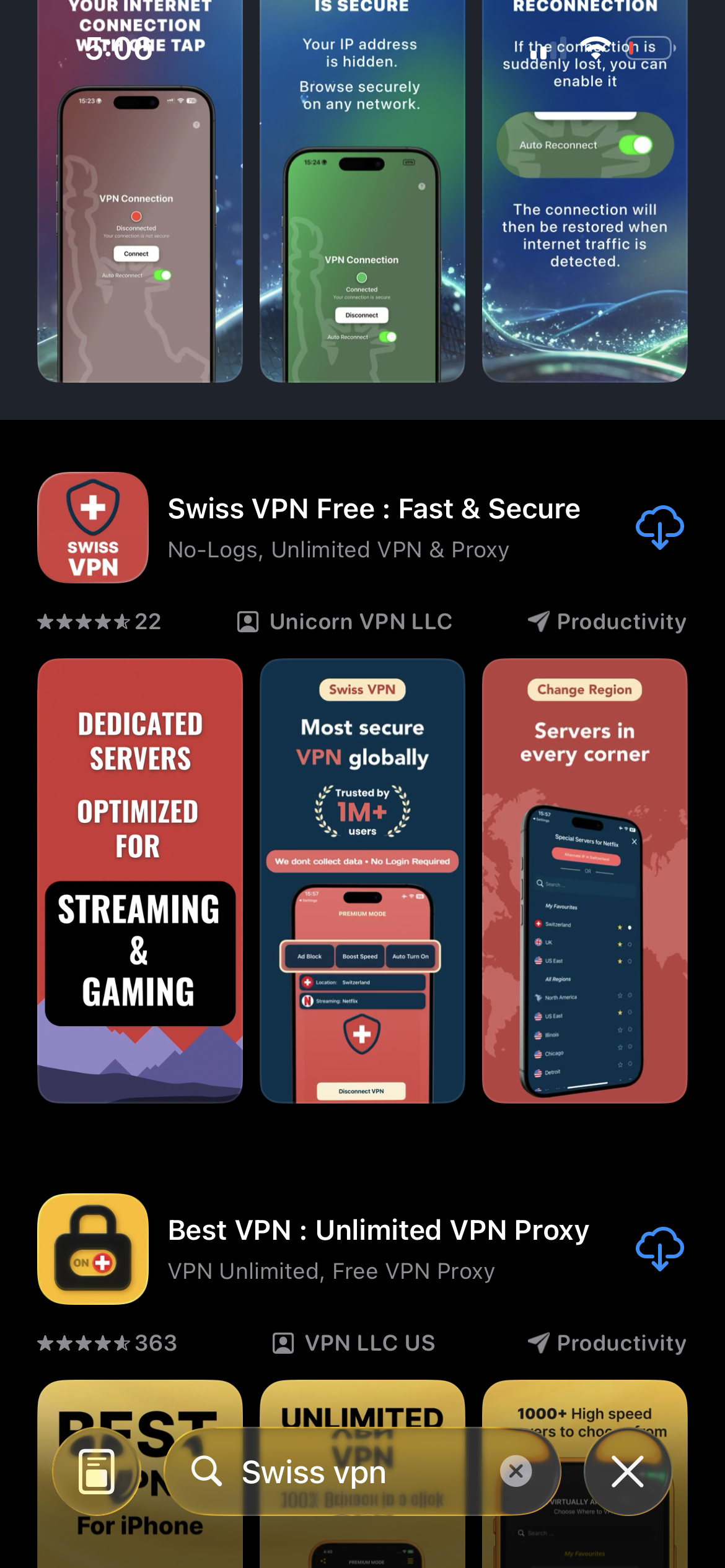
Download Swiss VPN
Search for "Swiss VPN" on the App Store and tap download. The app is completely free — no registration, no credit card, no personal information required.
- Available on iOS, iPadOS & macOS
- No registration required
- 100% free to download
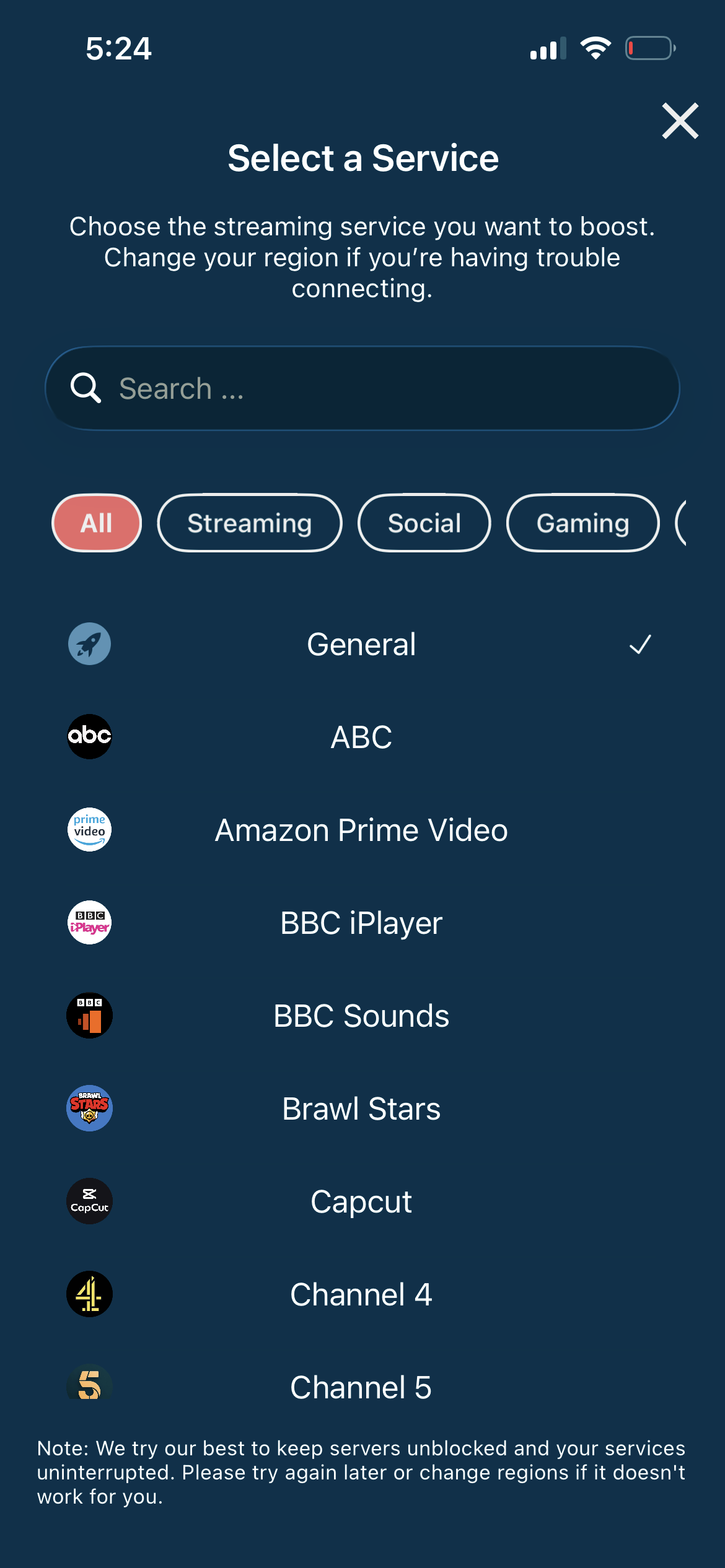
Connect to the nearest server
For the best speed, connect to the server closest to your location. You do not need a specific region — any server encrypts your connection.
- Auto-selects fastest server
- Full encryption
- No speed loss
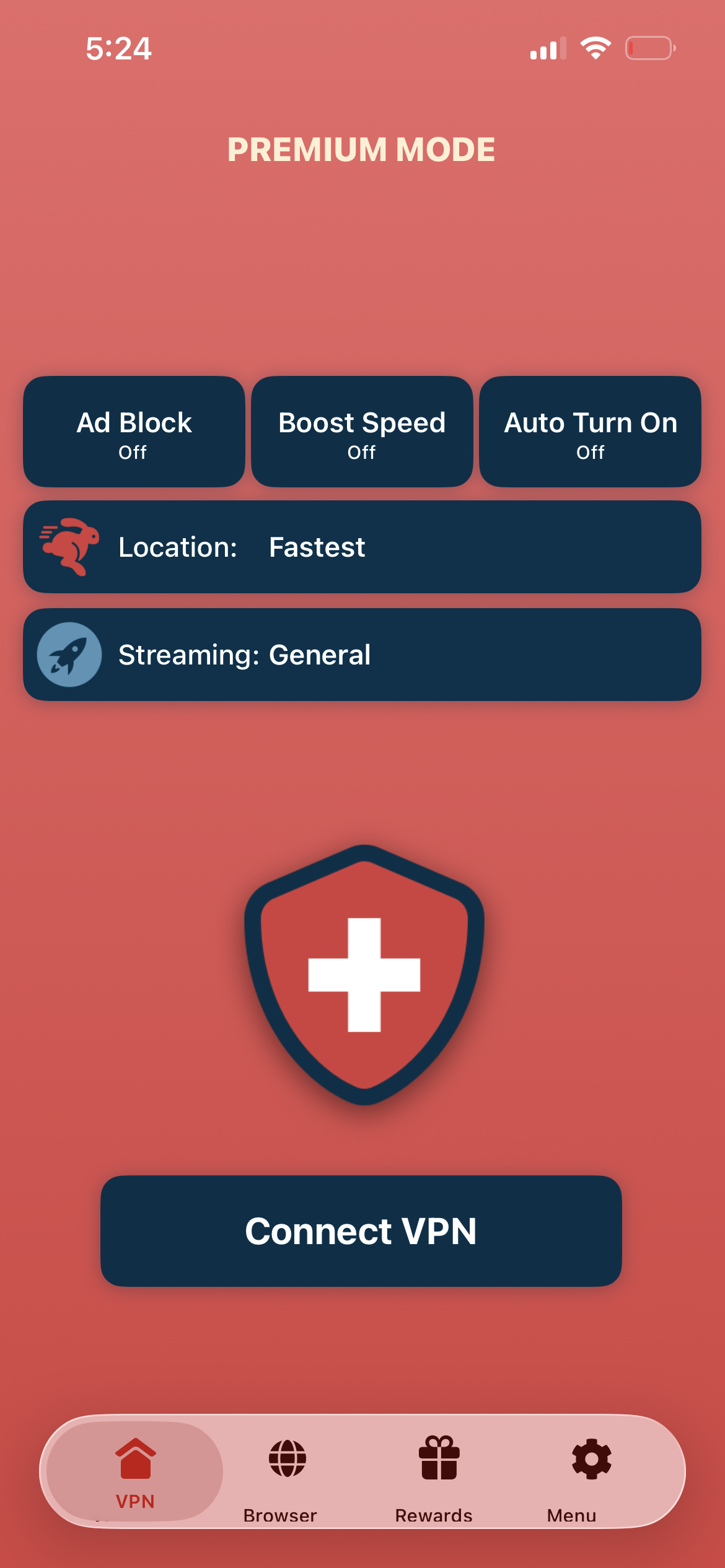
Tap connect, browse safely
Tap "Connect VPN" and wait for the connection. Then open your browser and browse any streaming site — your connection is now encrypted and your IP hidden.
- Instant protection
- Encrypted connection
- Hidden IP address
If streams do not load
Try a different server or clear your browser cache. Some streaming sites change URLs frequently — make sure you have the current address.
Good to know
- VPN access depends on the service's current policies and may change over time.
- Some content may require a paid subscription to the streaming service itself.
- For the best experience, connect to the nearest recommended server.
Frequently Asked Questions
Is a VPN necessary for free streaming?
Strongly recommended. A VPN encrypts your connection and hides your IP address for privacy.
Which server should I use?
Connect to the nearest server for the best speed. Any server provides full encryption.
Will a VPN slow down streams?
No. Swiss VPN is optimized for streaming with minimal speed impact.
Is my data safe with a VPN?
Yes. Swiss VPN encrypts all your traffic with military-grade encryption.
Ready to browse safely?
Download Swiss VPN and encrypt your connection before streaming — protect your privacy with one tap.