To connect to a VPN in Seattle:
- Download Swiss VPN free from the App Store — no account needed.
- Open the app and select the Seattle server from the server list.
- Tap connect — Swiss VPN connects to the Seattle server.
- Browse from Seattle and start browsing.
Why connect to Seattle?
Seattle is a major tech hub in the Pacific Northwest with excellent internet infrastructure. A Seattle VPN server is ideal for fast US access, Asia-Pacific connectivity, and privacy-focused browsing from one of the most connected cities in the US.
Why use Swiss VPN for Seattle?
Whether you need a United States IP address routed through Seattle, want to access local content, or need a fast encrypted connection, Swiss VPN provides one-tap access to a Seattle server.
Access US content from Seattle
Pacific Northwest routing with excellent Asia-Pacific connectivity.
Encrypted connection
Swiss VPN encrypts your traffic for complete privacy.
Low latency
Seattle offers excellent speeds for US West Coast and Asia-Pacific services.
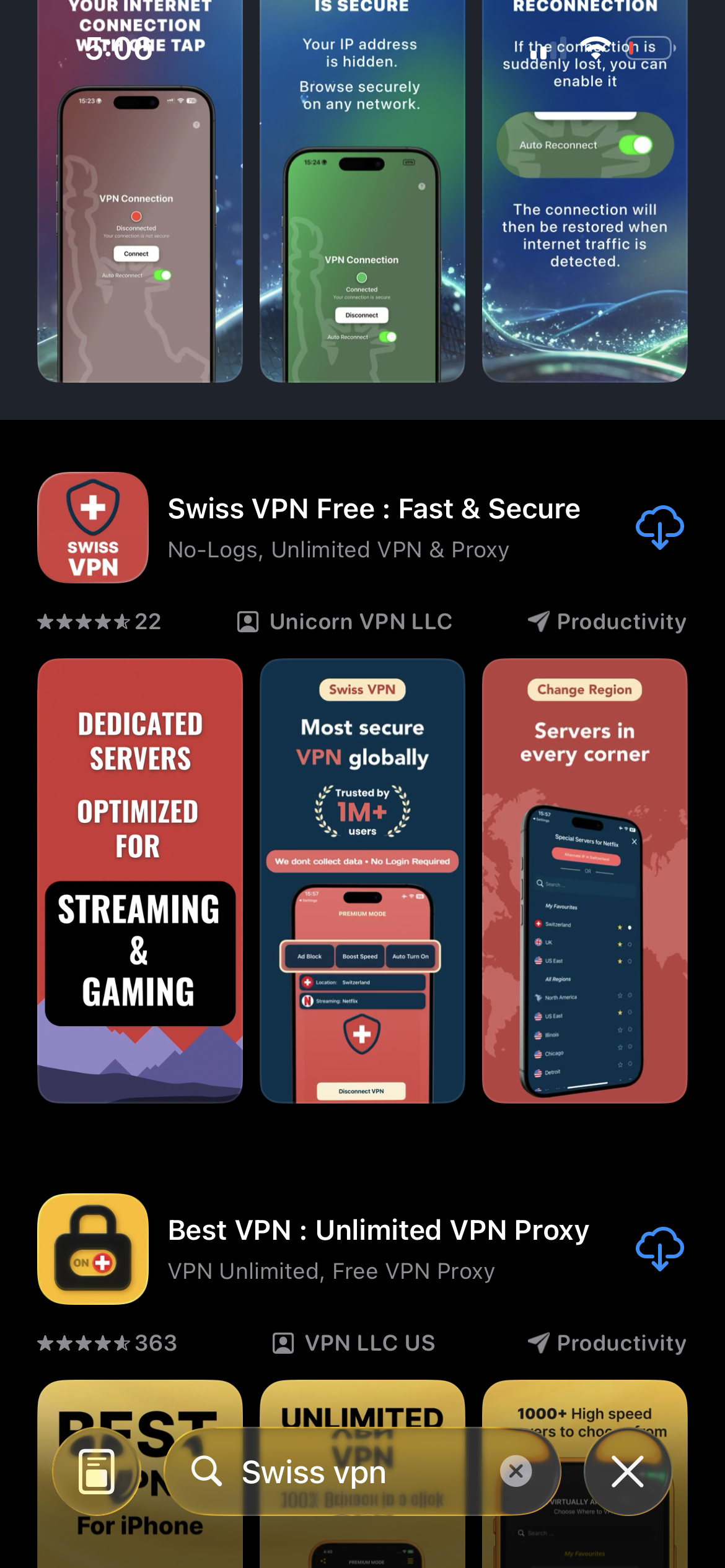
Download Swiss VPN
Search for "Swiss VPN" on the App Store and tap download. The app is completely free — no registration, no credit card, no personal information required.
- Available on iOS, iPadOS & macOS
- No registration required
- 100% free to download
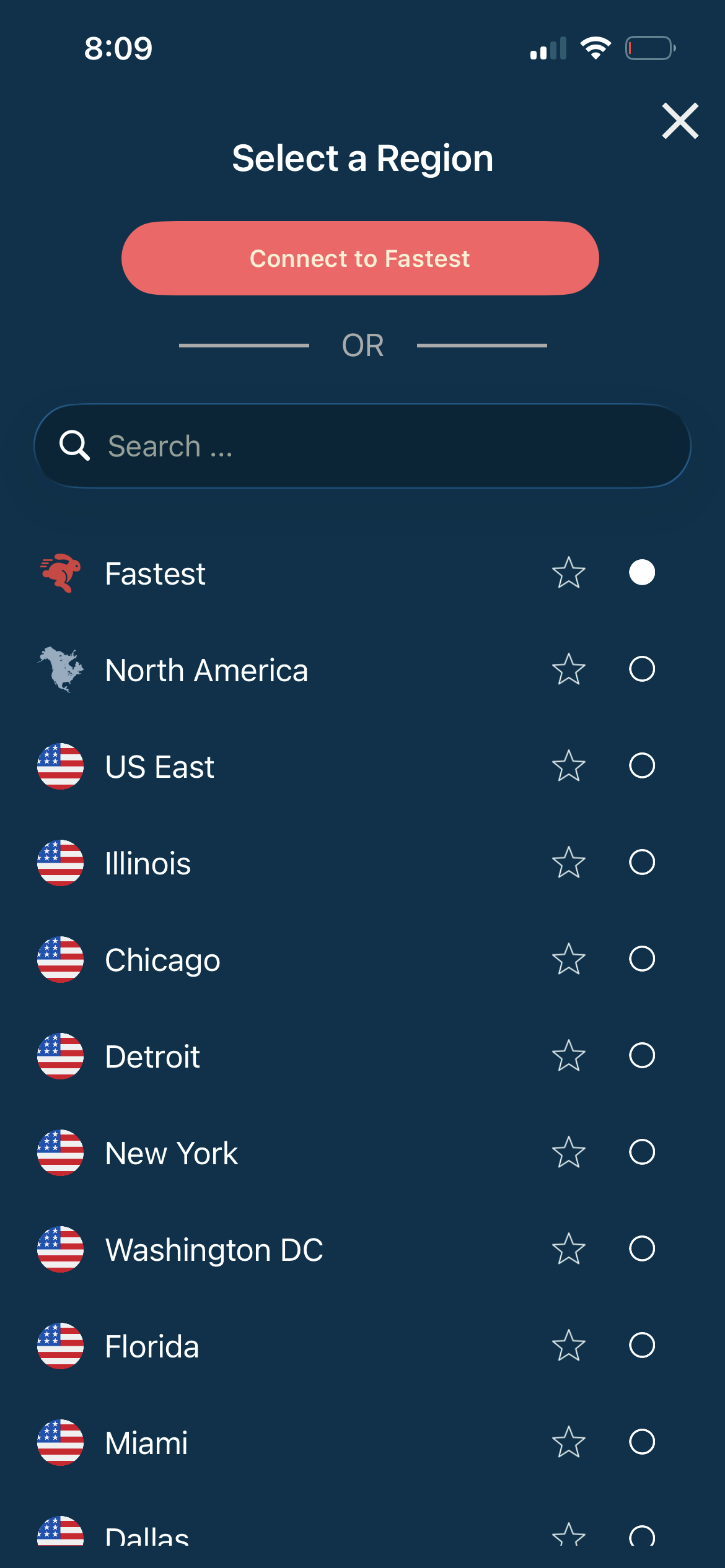
Select the Seattle server
Open the server list and search for "Seattle" or browse United States servers. Tap to connect.
- Seattle server available
- Pacific Northwest routing
- Low latency
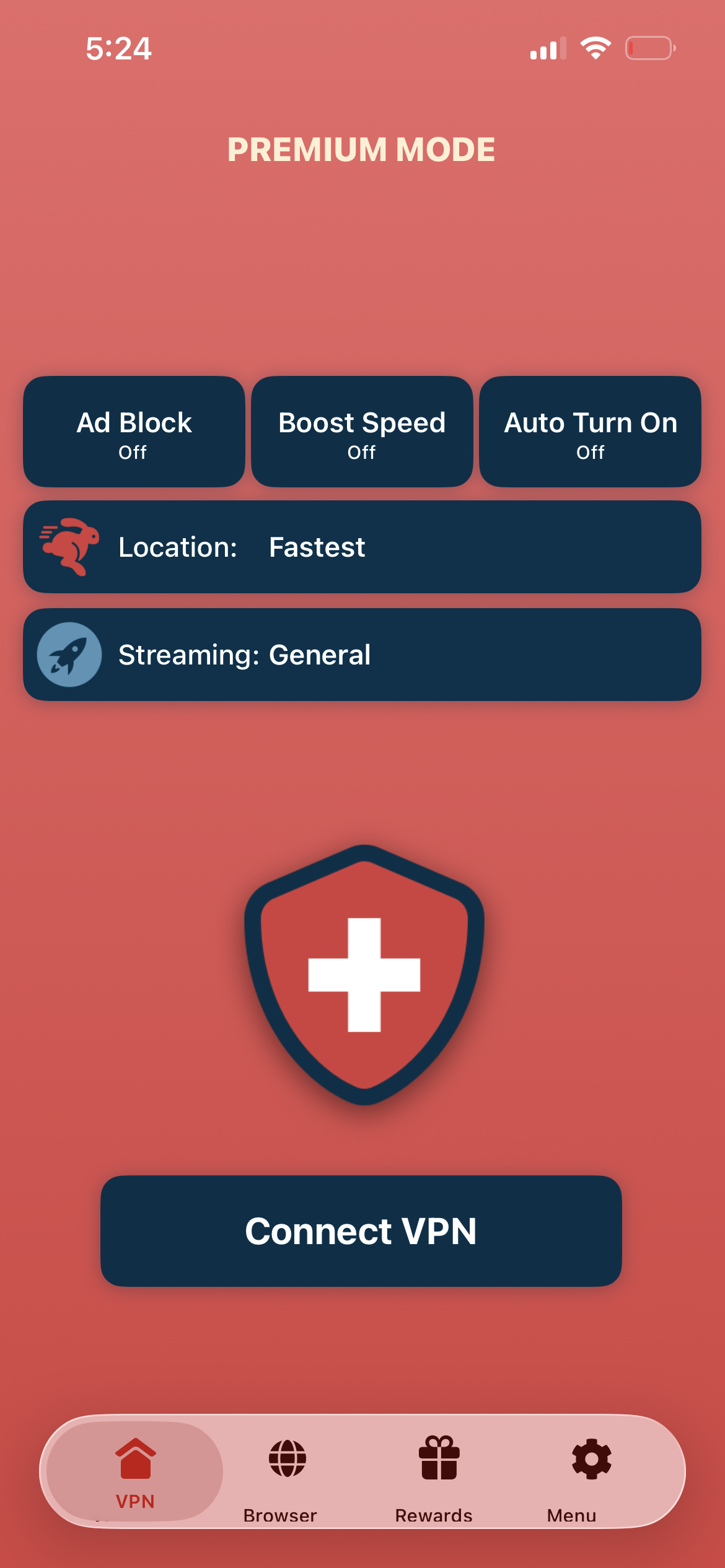
Tap connect, browse from Seattle
Tap "Connect VPN" and wait for the connection to establish. You now have a US IP address routed through Seattle.
- US IP address assigned
- Encrypted & private connection
- Access US content
If the connection is slow or not working
Try reconnecting or selecting a different US city server. You can also tap the Alternate IP button in the app to switch to a different server in the same region without disconnecting.
Good to know
- VPN access depends on server availability and may change over time.
- Some local services may require a local account or subscription.
- For the best speed, connect to the nearest available server.
Frequently Asked Questions
Does Swiss VPN have a Seattle server?
Yes. Swiss VPN has a dedicated server in Seattle.
Is Seattle good for Asia-Pacific access?
Yes. Seattle offers excellent connectivity to Asia-Pacific regions.
Why choose Seattle?
Seattle is a major tech hub with world-class internet infrastructure.
Is my connection encrypted?
Yes. All traffic through the Seattle server is fully encrypted.
Ready to connect to Seattle?
Download Swiss VPN and connect to a Seattle server in one tap.