To use Signal with a VPN:
- Download Swiss VPN free from the App Store — no account needed.
- Open the app and pick Signal from the service selector.
- Tap connect — Swiss VPN routes Signal through a server where it's reachable.
- Open Signal and keep using your existing account and contacts.
What is Signal?
Signal is a privacy-focused messenger run by the non-profit Signal Foundation. Every chat, voice call and video call is end-to-end encrypted by default using the open-source Signal Protocol. Signal stores the minimum amount of data about its users — no ad profile, no social graph — and has become the standard recommendation for journalists, activists, and anyone who takes message privacy seriously. Because of that role, Signal is blocked entirely or periodically in several censored regions.
Why use Swiss VPN for Signal?
Signal does one thing extremely well — end-to-end encryption. But that doesn't help if the app won't connect at all. Swiss VPN covers the gap: access where Signal is blocked, and metadata privacy where the network is hostile.
Access in censored regions
Connect to a server in a region where Signal is reachable. Your messages travel Signal's normal encrypted channel — they just arrive.
Metadata privacy
Your ISP or network operator can no longer see that you are using Signal specifically, only that you are using a VPN.
Defense in depth
Signal handles message encryption. Swiss VPN handles transport privacy and censorship circumvention — two different problems, solved by the right tool for each.
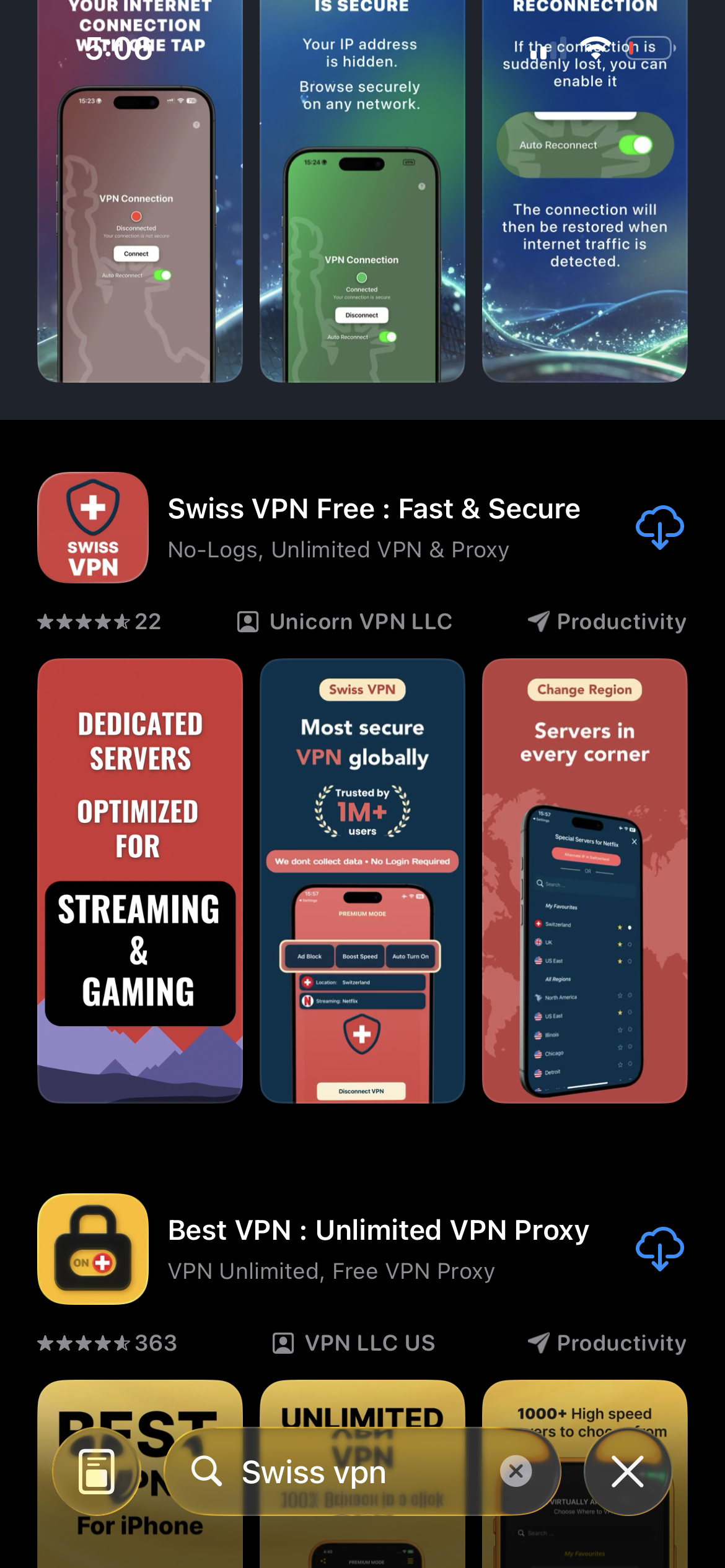
Download Swiss VPN
Search for "Swiss VPN" on the App Store and tap download. The app is completely free — no registration, no credit card, no personal information required.
- Available on iOS, iPadOS & macOS
- No registration required
- 100% free to download
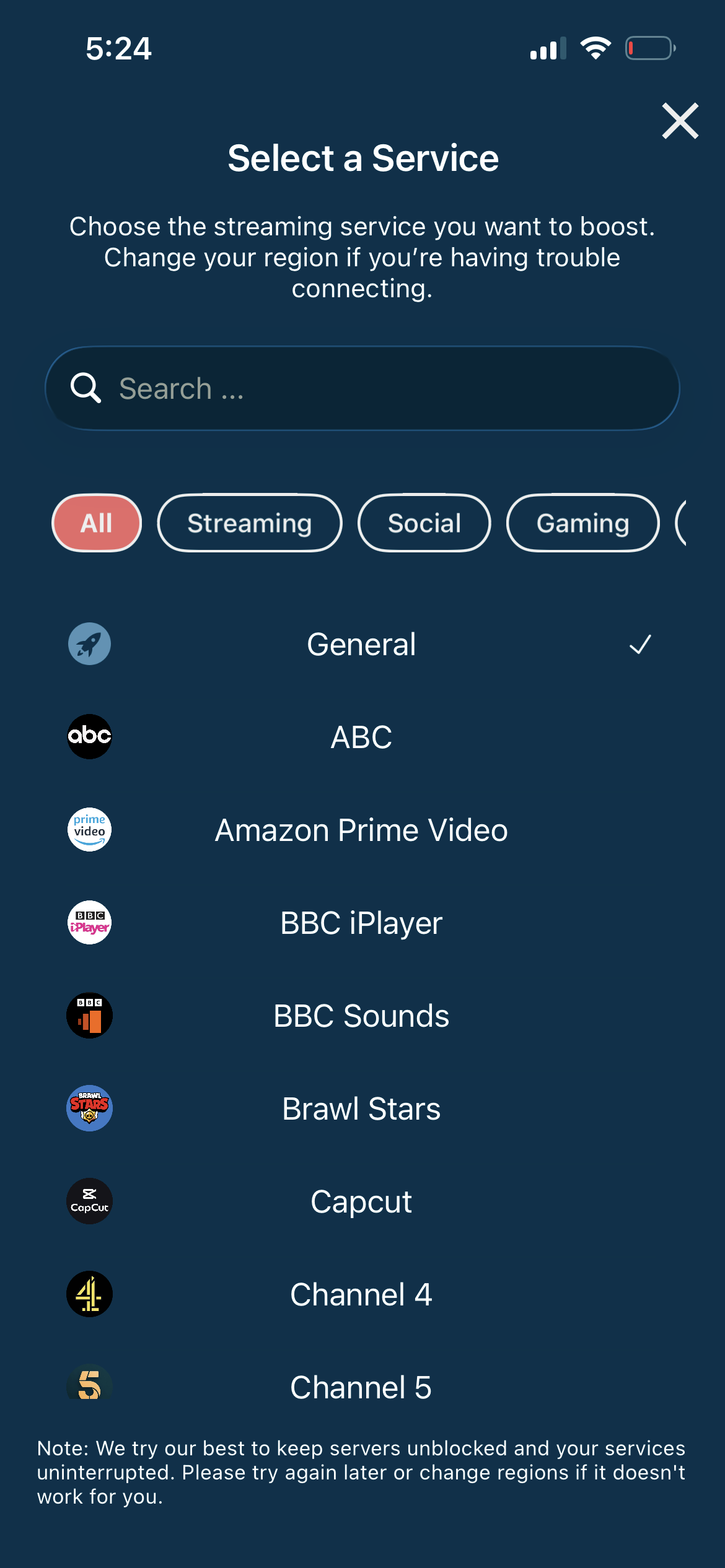
Pick Signal in the selector
Swiss VPN has Signal in its optimized-services list. The app routes Signal's traffic through a server chosen to stay reachable even in regions where Signal is normally blocked.
- Route that stays reachable in censored regions
- Low latency for calls
- One tap — no manual config
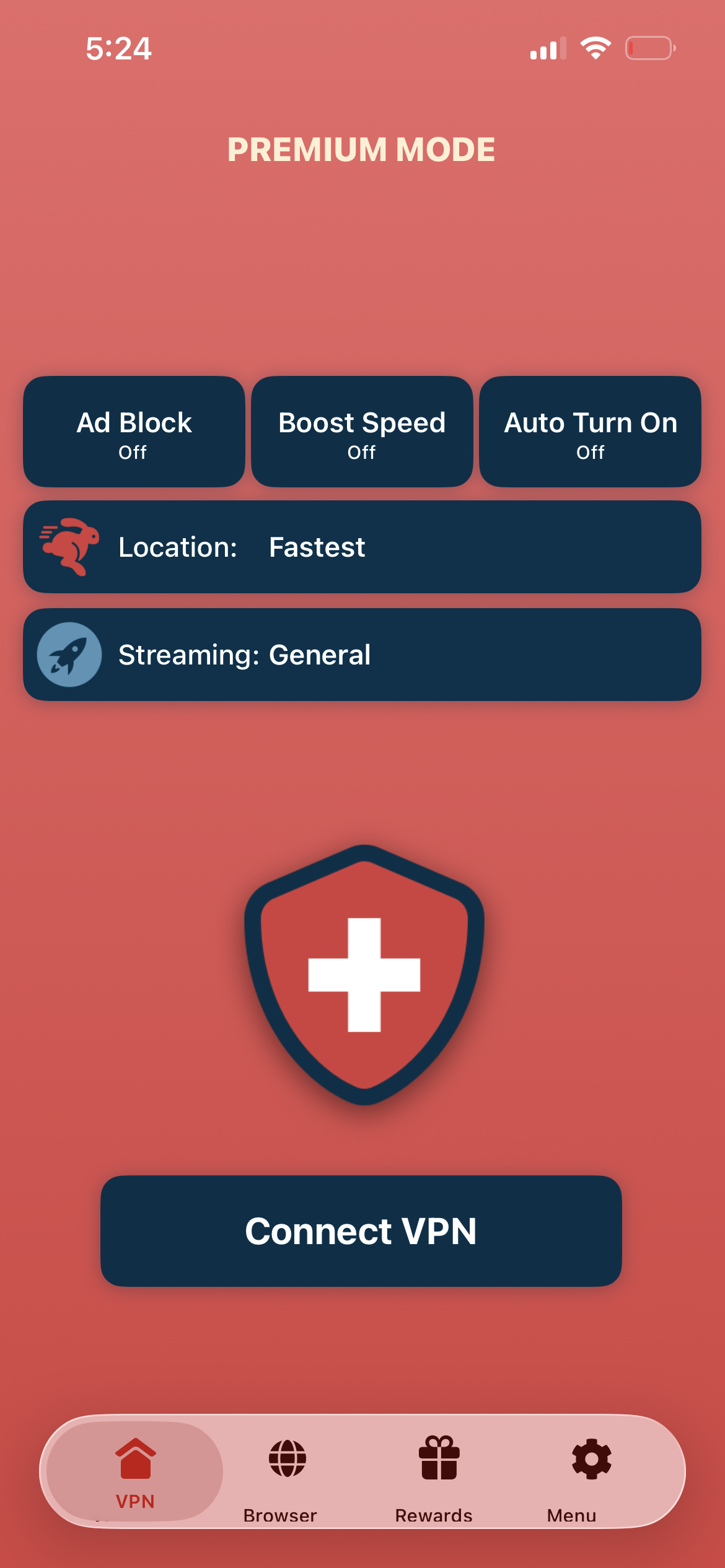
Tap connect, open Signal
Tap "Connect VPN" and open Signal. Messages, voice and video calls go through as normal — even on networks that filter Signal by default.
- Messages sync as usual
- Voice and video calls connect
- Signal's own E2E encryption unchanged
If Signal still won't connect
Some countries actively block VPN endpoints too. Try a different server region. You can also enable Signal's own censorship circumvention in Signal Settings → Privacy → Advanced → "Censorship circumvention", in parallel with Swiss VPN, for defense in depth.
Good to know
- Signal's end-to-end encryption does not depend on a VPN — and a VPN does not weaken or strengthen it. The two are complementary.
- Signal ties your account to your phone number. A VPN does not give you a virtual number and does not change your registration.
- To register a new Signal account, you still need a working phone number to receive the SMS or call from Signal.
- Some countries that block Signal also block VPN endpoints. If one server is filtered, try another region.
Frequently Asked Questions
Does Swiss VPN improve Signal's encryption?
No — Signal is already end-to-end encrypted using the Signal Protocol. Swiss VPN does not add to that. What it does add is access in blocked regions and metadata privacy: your ISP no longer sees that you're using Signal specifically.
Which countries currently block Signal?
Signal has been blocked or heavily restricted in China, Iran, the UAE, Cuba, Egypt and at times in other regions. Policies change — if Signal suddenly fails when you travel, connect Swiss VPN first and try again.
Is using Signal with a VPN legal?
In most countries, including Switzerland, the EU, the UK and the US, both Signal and VPNs are legal. A small number of countries regulate VPN use — check the local rules before relying on one while travelling.
Do I need a new Signal account to use a VPN?
No. Your existing Signal account, contacts and conversation history work exactly the same. Swiss VPN only changes how your phone reaches Signal — it does not touch your keys or your registration.
Keep Signal reachable, everywhere
Download Swiss VPN free from the App Store and keep Signal working on every network and in every country — without changing anything about how Signal itself protects your messages.