To connect to US North IPv6:
- Download Swiss VPN free from the App Store — no account needed.
- Open the app and find US North IPv6 in the server list.
- Tap connect — Swiss VPN establishes an encrypted IPv6 tunnel.
- Browse with IPv6 and start browsing with IPv6.
What is US North IPv6?
Swiss VPN's US North IPv6 server provides native IPv6 connectivity through Northern US infrastructure. Low latency IPv6 for US Midwest and Northern regions.
Why US North IPv6?
Native IPv6 with low latency for US Midwest and Northern region users.
Northern US routing
Through Northern US infrastructure.
Encrypted
Full encryption.
Low latency
Closest IPv6 for Northern US.
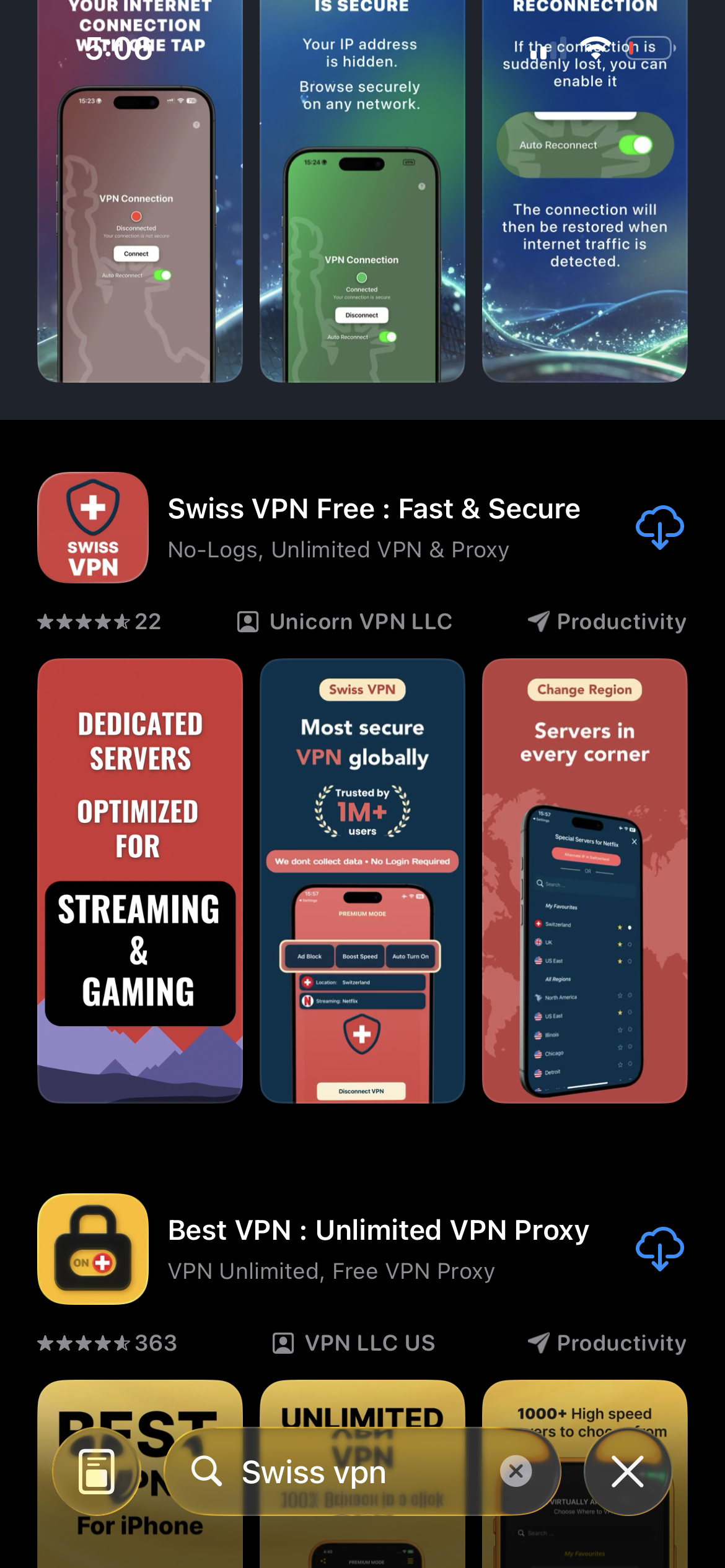
Download Swiss VPN
Search for "Swiss VPN" on the App Store and tap download. The app is completely free — no registration, no credit card, no personal information required.
- Available on iOS, iPadOS & macOS
- No registration required
- 100% free to download
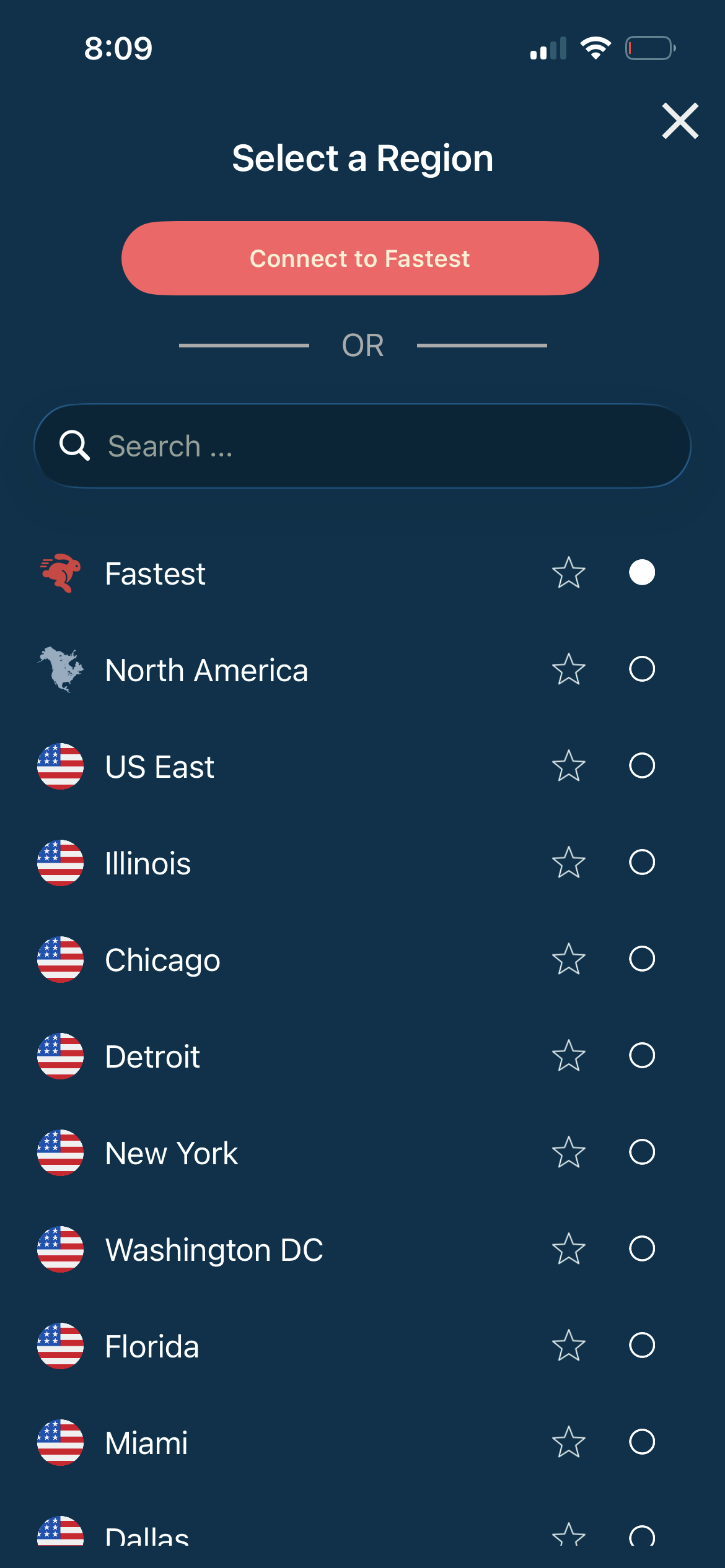
Select US North IPv6
Search for "US North IPv6" in the server list.
- Native IPv6
- Northern US
- Encrypted
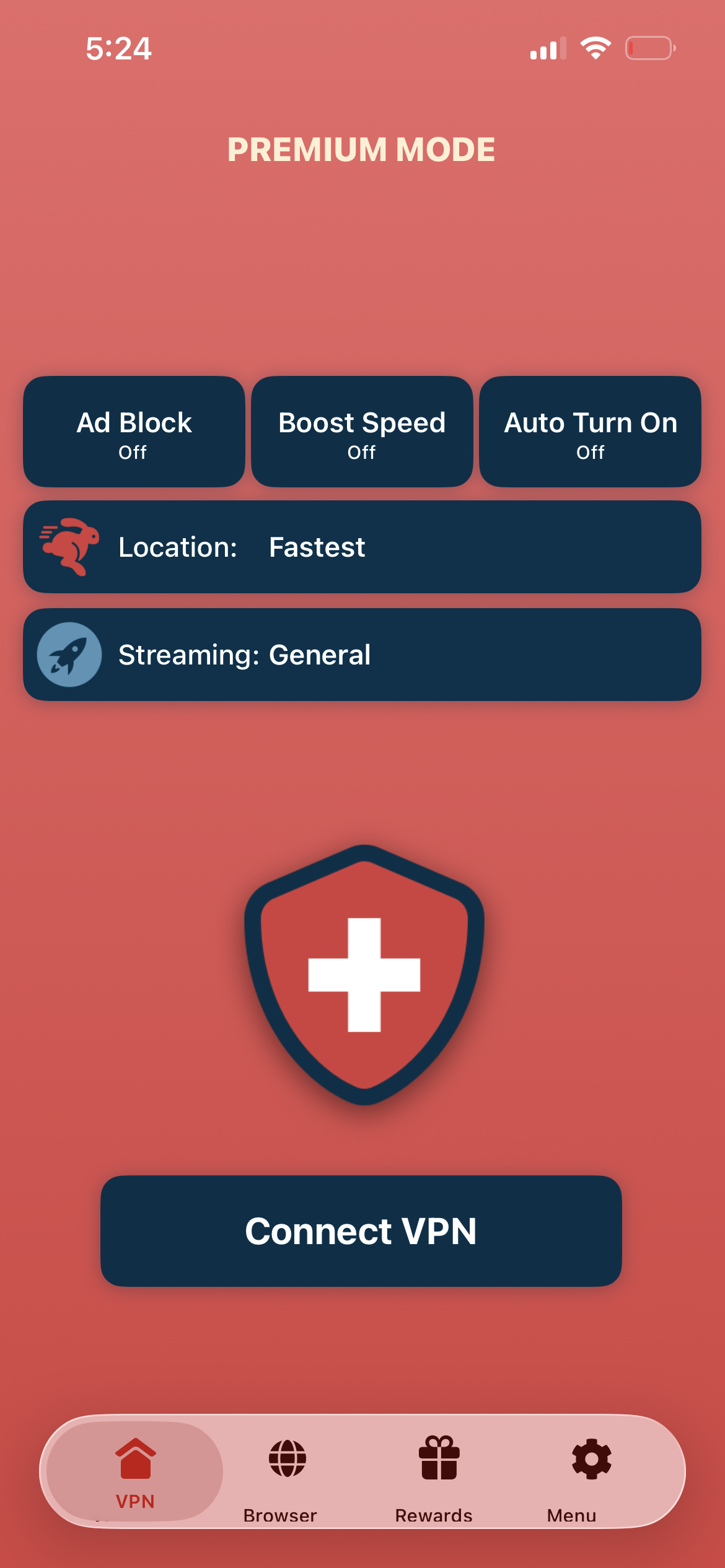
Verbinden with IPv6
Tap "Verbinden VPN" — native IPv6 through Northern US.
- IPv6 address
- Encrypted
- Northern US
If the connection is slow or not working
Ensure IPv6 support. Try Alternate IP to switch servers.
Gut zu wissen
- IPv6 availability depends on your local network and ISP support.
- Some older devices and applications may not fully support IPv6.
- For the best experience, ensure your device has IPv6 enabled in network settings.
Häufig gestellte Fragen
Where is US North IPv6?
Northern US infrastructure.
Do I need IPv6?
Useful for IPv6-only services and testing.
Encrypted?
Yes, fully.
IPv4 option?
Yes, US IPv4 servers available.
Ready for US North IPv6?
Download Swiss VPN for native IPv6 through Northern US.